


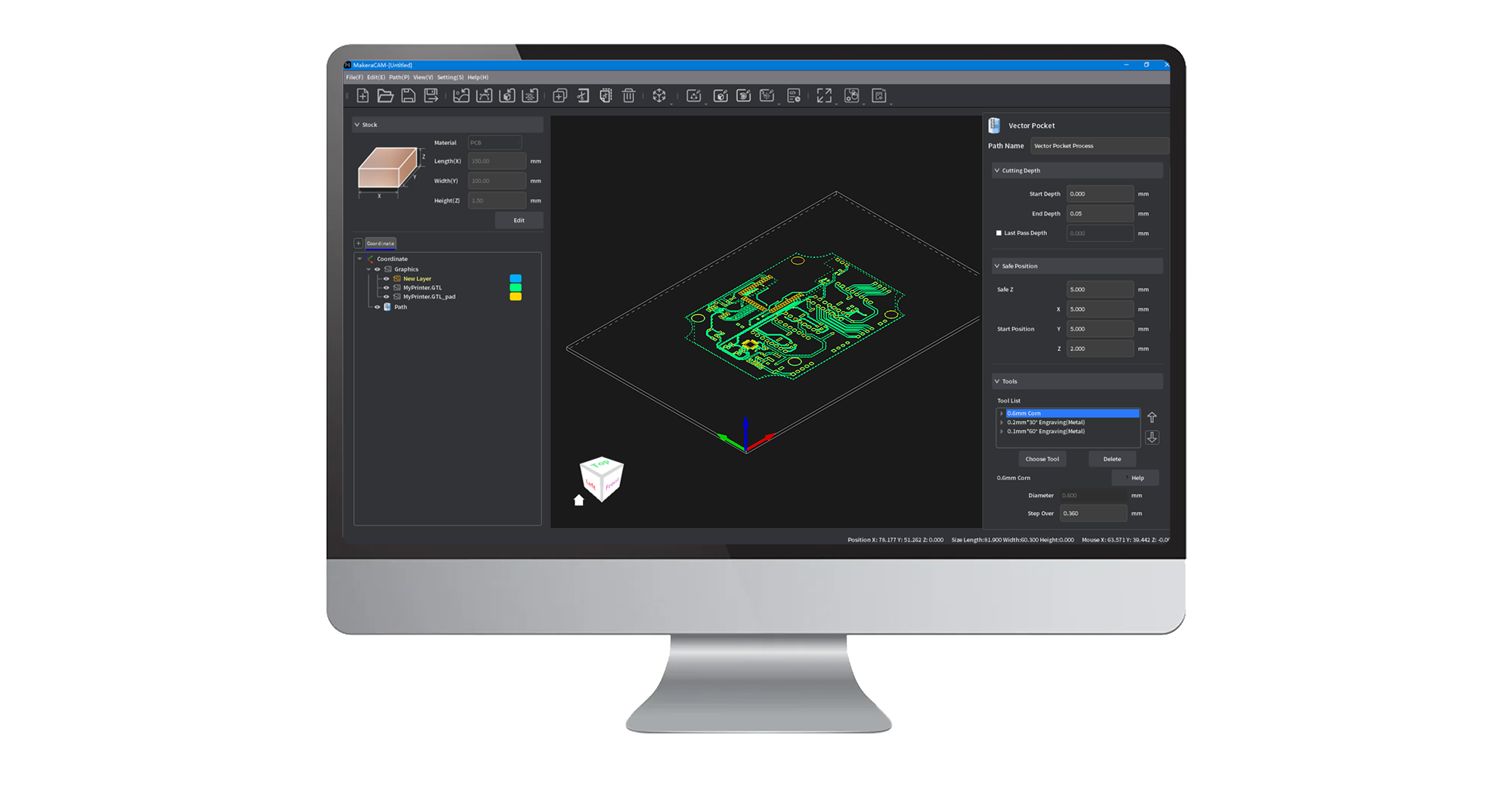
Makera CAM
Makera CAM takes the complexity out of CNC machining, transforming your designs into reality faster and with greater ease.
Whether you're working with 2D designs, 3D models, 4th-axis projects, or the laser, we've got you covered through this all-in-one software solution!
Carvera & Carvera Air customers get free access to Makera CAM—and if you don’t own a Makera machine yet, enjoy a 15-day free trial on us!
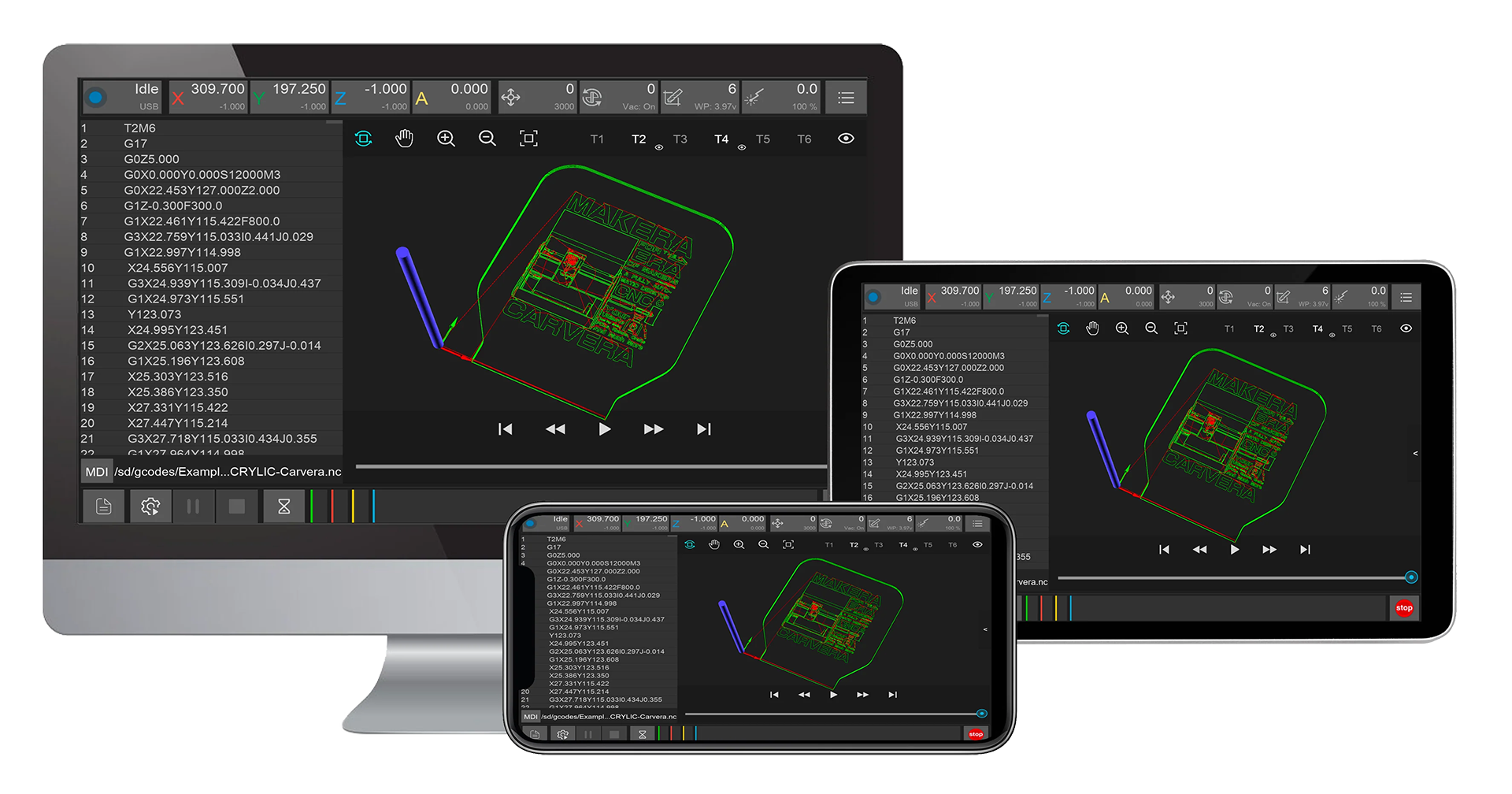
Carvera & Carvera Air Controller
We have recently rolled out a major upgrade to the control software and firmware, which enhances the stability of communication and file transfers. However, due to changes in the communication protocol, the new version of the control software is incompatible with older versions of the firmware. Please pay attention to the following during installation and upgrades:
Note:
If you are using the machine and installing the control software for the first time, please follow the steps below: first download v0.9.11 of the control software to upgrade the firmware, then switch to the latest version of the Controller software.
Steps:
1. Download and install v0.9.11 of the Controller, and download the latest Firmware.
2. Open v0.9.11 of the Controller, connect to the machine, and upgrade the Firmware. Refer to this link for firmware upgrade instructions.
3. Download and install the latest version of the Controller, then connect to the machine and start using it.
If you are an existing user performing an upgrade, please ensure that you use the older version (v0.9.11 or earlier) of the Controller to upgrade to the latest firmware first, before updating to the latest version of the Controller.
Carvera & Carvera Air Firmware
The Carvera and Carvera Air Firmware is the software that runs on the machine. You can download and upgrade it in the Controller.
Supported CAM Software
Check out the CAM software profiles list we have supported.
We recommend Makera CAM for the Carvera and Carvera Air as it has been carefully optimized for your machine, making them easier and more intuitive to use for both beginners and professionals.
Have your own software preference? No worries! We play well with others! Fusion, VCarve, SolidWorks, and other popular CAM
software solutions are fully supported. We're always listening to our users and expanding compatibility so you can design
and create as you wish.
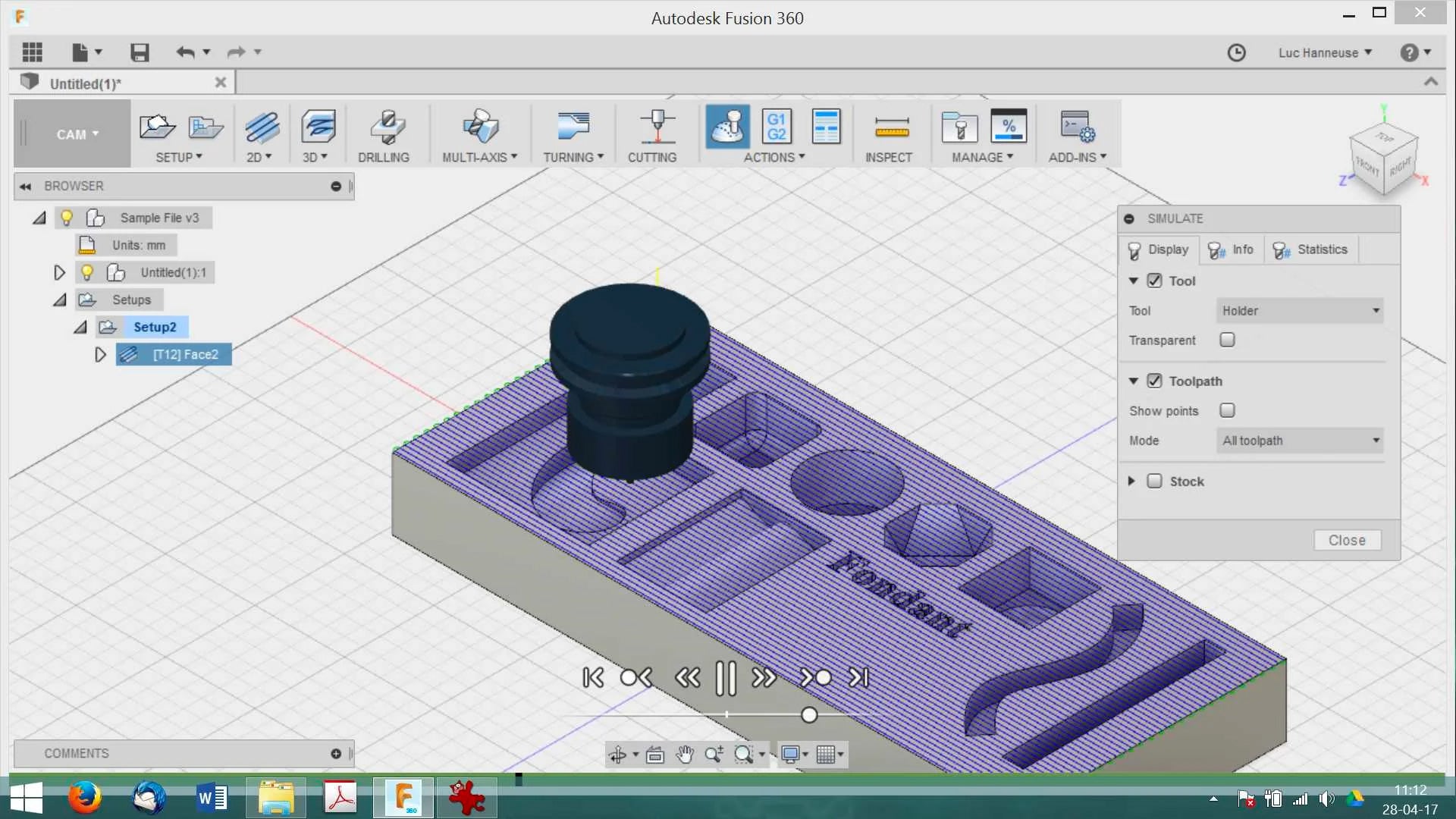
Fusion 360
Compare to other industrial software, Fusion 360 is relatively easy to learn and is an all-in-one solution. If you are new to CAD and CAM, and you are interested in making mechanical/electronic/robot/drone parts or something like them, fusion 360 is a good option.
It's free for students or startups with full functions, the personal version is free too but has some limitations.
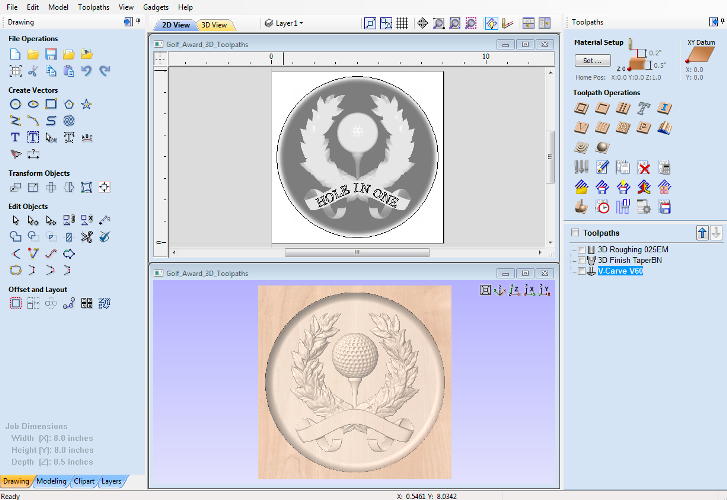
VCarve Desktop
VCarve Desktop is suitable for woodworking, jewelry making, art making, etc.
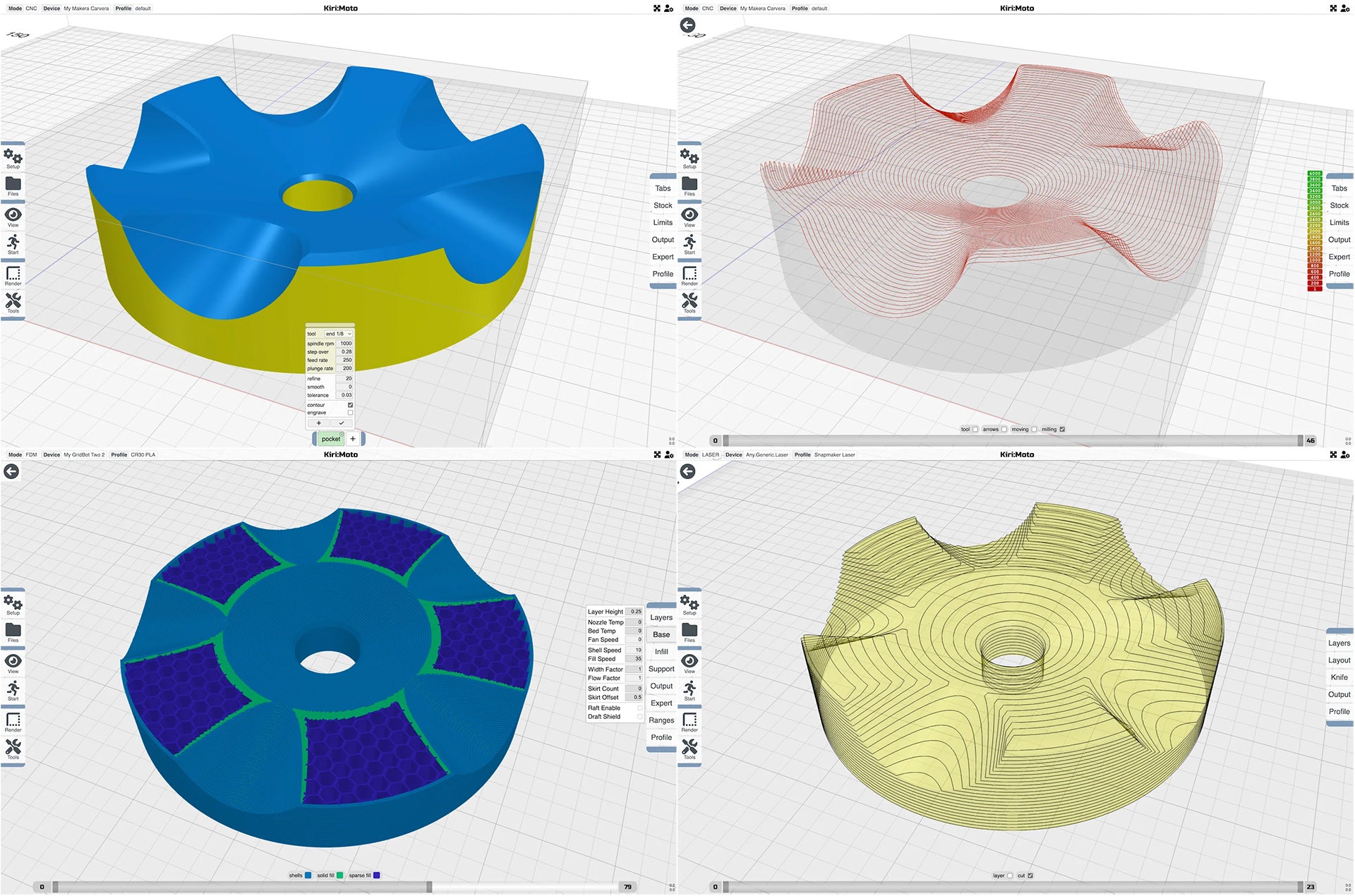
Kiri:Moto
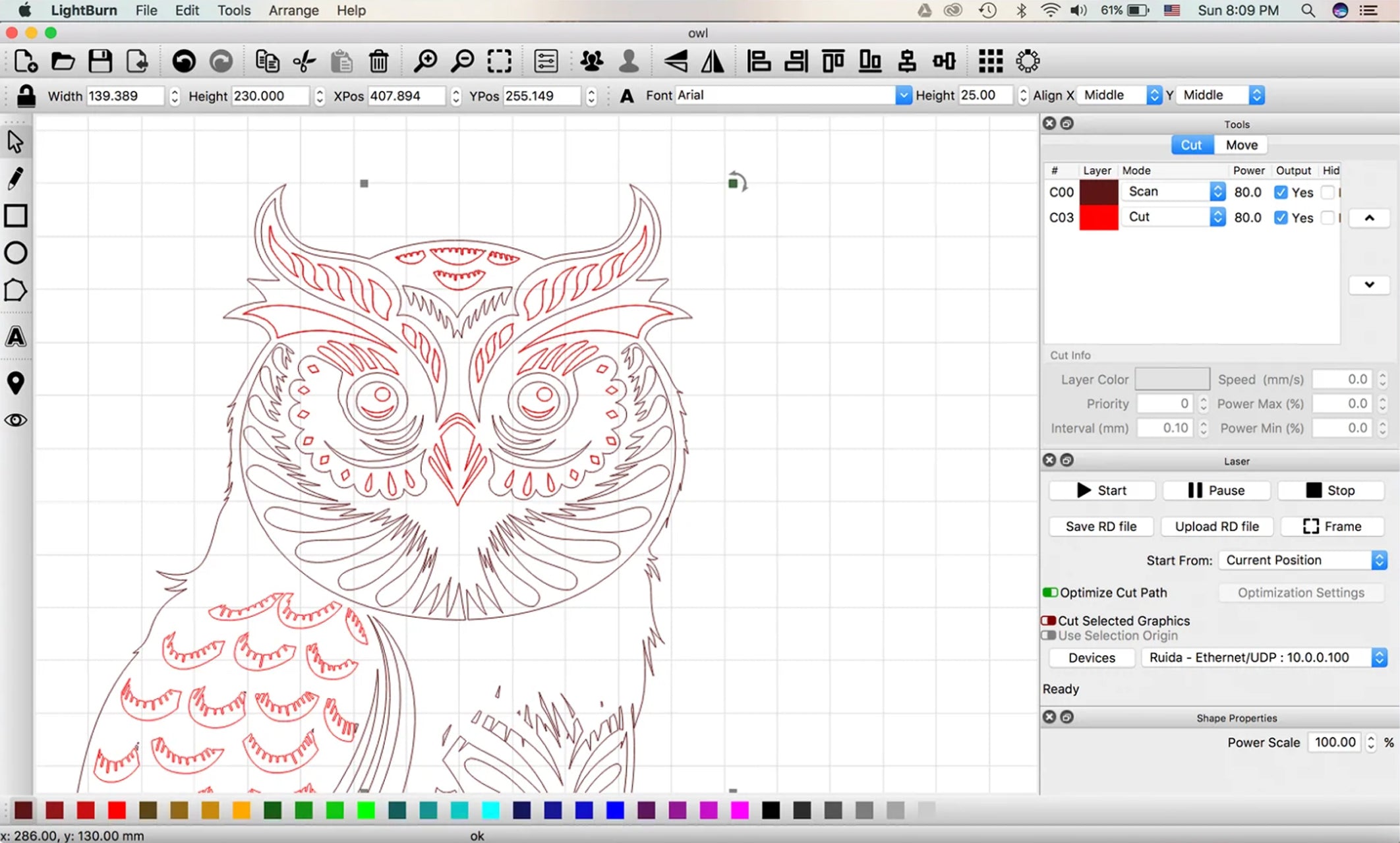
LightBurn
- Import artwork in a variety of common vector graphic and image formats.
- Arrange, edit, and even create new vector shapes within the editor.
- Apply settings like power, speed, number of passes, cut order, brightness & contrast, dithering mode, and much more.