

![Makera Z1 Desktop CNC [Pre-order]](http://www.makera.com/cdn/shop/files/Pre-sale-Z1-EN-1.jpg?v=1780581034)
![Makera Z1 Desktop CNC [Pre-order]](http://www.makera.com/cdn/shop/files/10_217b8bb4-6a45-45c1-ac60-3b9dc8bebdee.jpg?v=1778312979)
![Makera Z1 Desktop CNC [Pre-order]](http://www.makera.com/cdn/shop/files/2_c8f0c1a3-30e8-42d3-9dfe-75607827a5d8.jpg?v=1778312978)
![Makera Z1 Desktop CNC [Pre-order]](http://www.makera.com/cdn/shop/files/5_839d7204-7d1f-449f-a432-bc00e11224b2.jpg?v=1778312978)
![Makera Z1 Desktop CNC [Pre-order]](http://www.makera.com/cdn/shop/files/4_c159ba3d-635e-4e36-ae2b-d1e44ff2783a.jpg?v=1778312978)
![Makera Z1 Desktop CNC [Pre-order]](http://www.makera.com/cdn/shop/files/3_44d6025c-40e1-494d-a712-815313c3c9b2.jpg?v=1778312978)
![Makera Z1 Desktop CNC [Pre-order]](http://www.makera.com/cdn/shop/files/6_9fdf401e-dc72-40cb-8397-d9d9c09e1b3b.jpg?v=1778312978)
![Makera Z1 Desktop CNC [Pre-order]](http://www.makera.com/cdn/shop/files/7_9f98e3bf-c616-47c4-9250-a1f17f34c218.jpg?v=1778312978)
![Makera Z1 Desktop CNC [Pre-order]](http://www.makera.com/cdn/shop/files/9_2c38ea7a-ef39-4f98-8589-94f3f4576448.jpg?v=1778312978)
![Makera Z1 Desktop CNC [Pre-order]](http://www.makera.com/cdn/shop/files/8_1288d94d-4d22-47f4-89e8-8bc18dd05c66.jpg?v=1778312978)
![Makera Z1 Desktop CNC [Pre-order]](http://www.makera.com/cdn/shop/files/Pre-sale-Z1--Pro-EN-1.jpg?v=1780474264)
![Makera Z1 Desktop CNC [Pre-order]](http://www.makera.com/cdn/shop/files/Pre-sale-Z1--Pro-EN-2.jpg?v=1780474254)
![Makera Z1 Desktop CNC [Pre-order]](http://www.makera.com/cdn/shop/files/Pre-sale-Z1--Pro-EN-3.jpg?v=1780474259)
![Makera Z1 Desktop CNC [Pre-order]](http://www.makera.com/cdn/shop/files/Pre-sale-Z1--Pro-EN-4.jpg?v=1780474270)
![Makera Z1 Desktop CNC [Pre-order]](http://www.makera.com/cdn/shop/files/Pre-sale-Z1--Pro-EN-5.jpg?v=1780474248)
![Makera Z1 Desktop CNC [Pre-order]](http://www.makera.com/cdn/shop/files/Pre-sale-Z1-EN-2.jpg?v=1780458783)
![Makera Z1 Desktop CNC [Pre-order]](http://www.makera.com/cdn/shop/files/Pre-sale-Z1-EN-3.jpg?v=1780458806)
![Makera Z1 Desktop CNC [Pre-order]](http://www.makera.com/cdn/shop/files/Pre-sale-Z1-EN-4.jpg?v=1780458797)
![Makera Z1 Desktop CNC [Pre-order]](http://www.makera.com/cdn/shop/files/Pre-sale-Z1-EN-5.jpg?v=1780458790)
MAKERA
Makera Z1 Desktop CNC [Pre-order]

Discount valid with Z1 purchase
Free Shipping for orders over $100
30-Day Return
1 Year Warranty
Unleash Your CNC Creativity with Makera Z1!
Turn your digital designs into perfectly machined creations — beginner-friendly, precise, and loaded with pro-level features. Reserve your Z1 today with a deposit and lock in your VIP deal!
![Makera Z1 Desktop CNC [Pre-order]](http://www.makera.com/cdn/shop/files/Pre-sale-Z1-EN-1.jpg?v=1780581034&width=1000)

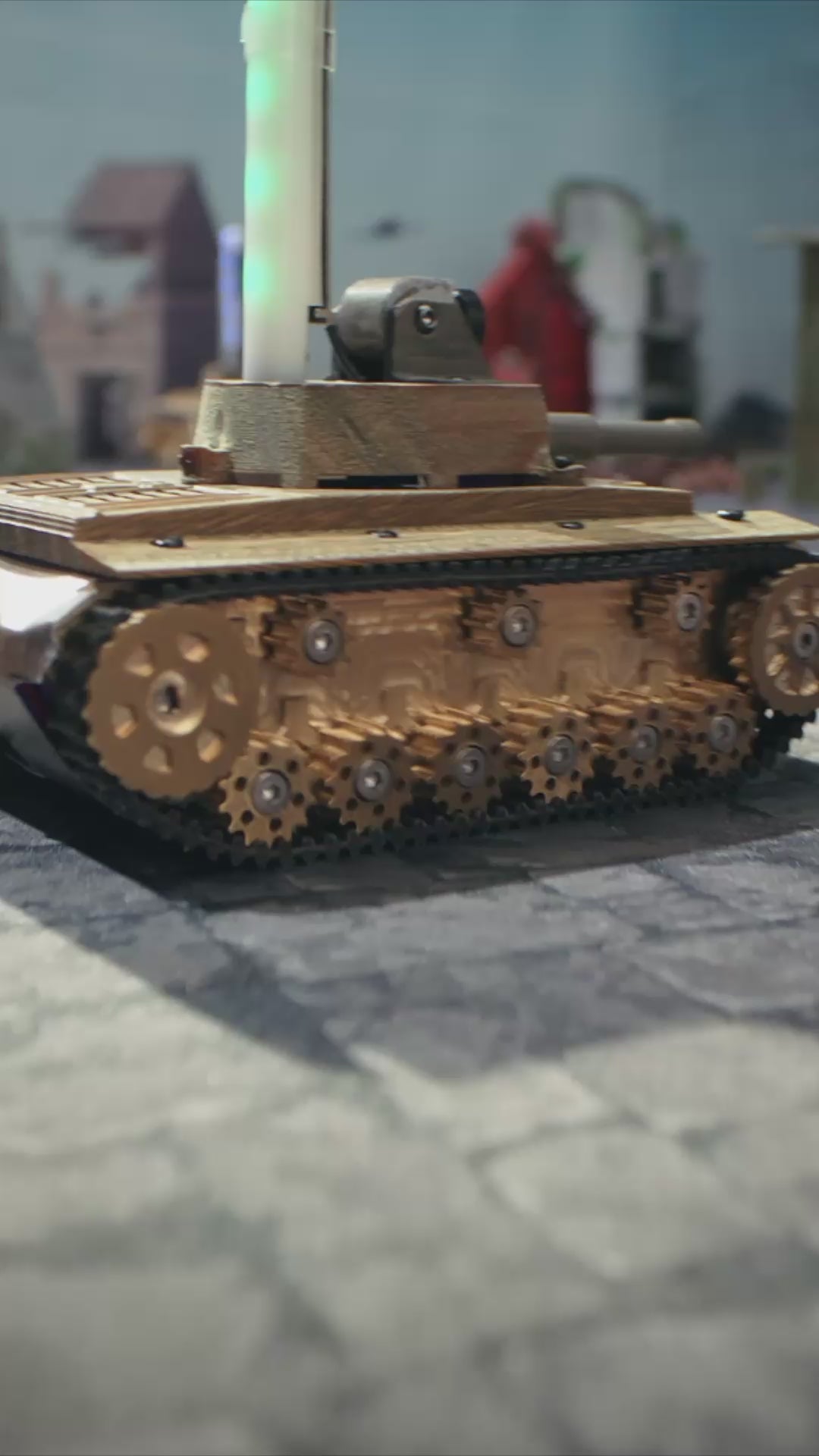
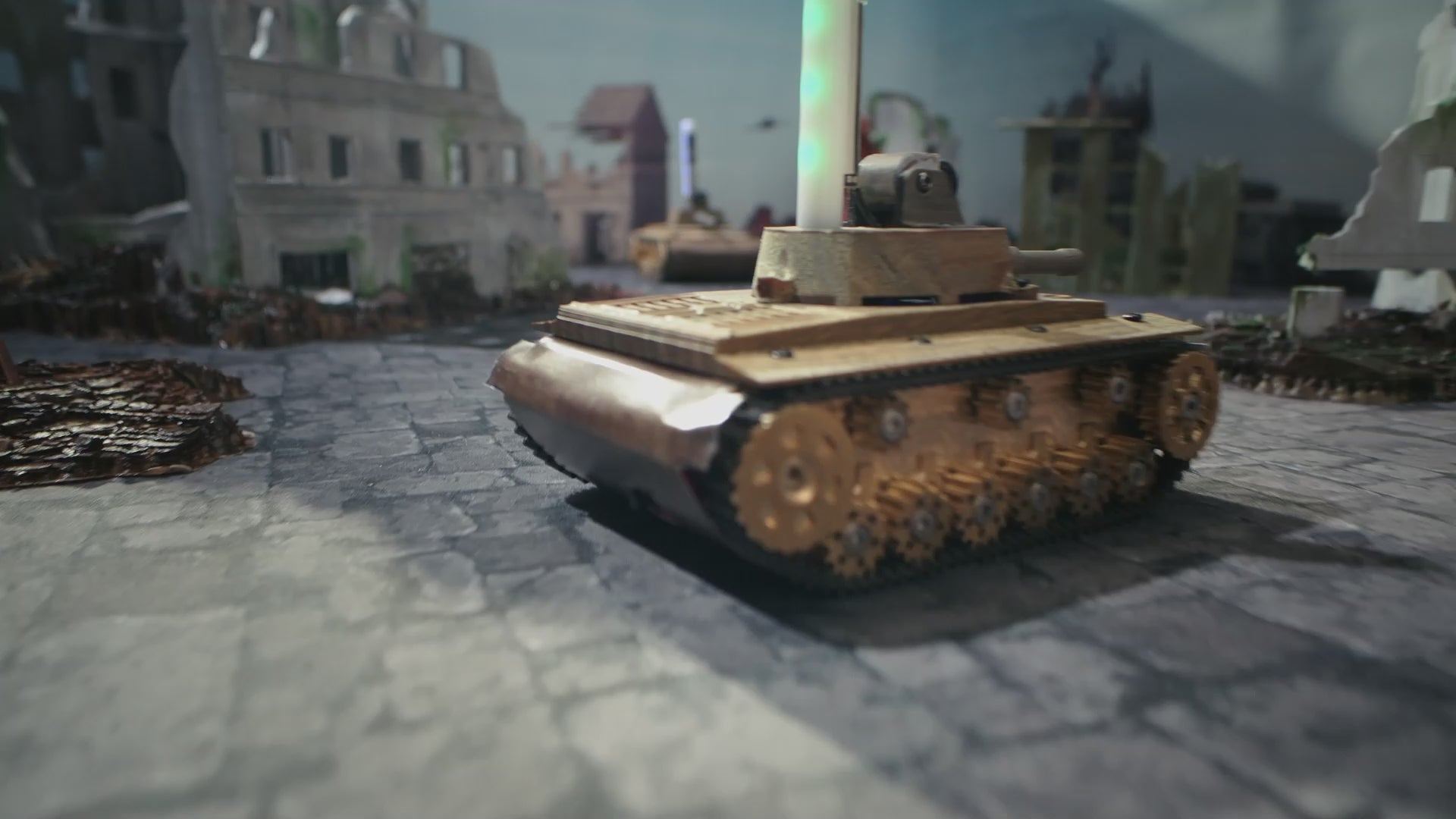
Tired of printing plastics and ending up with fragile parts?
Time to set up to CNC and unlock real strength.
Cut and shape almost any material


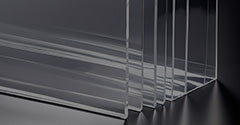
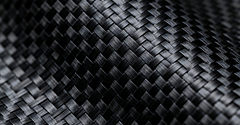
After years of innovation, we present our latest technologies.
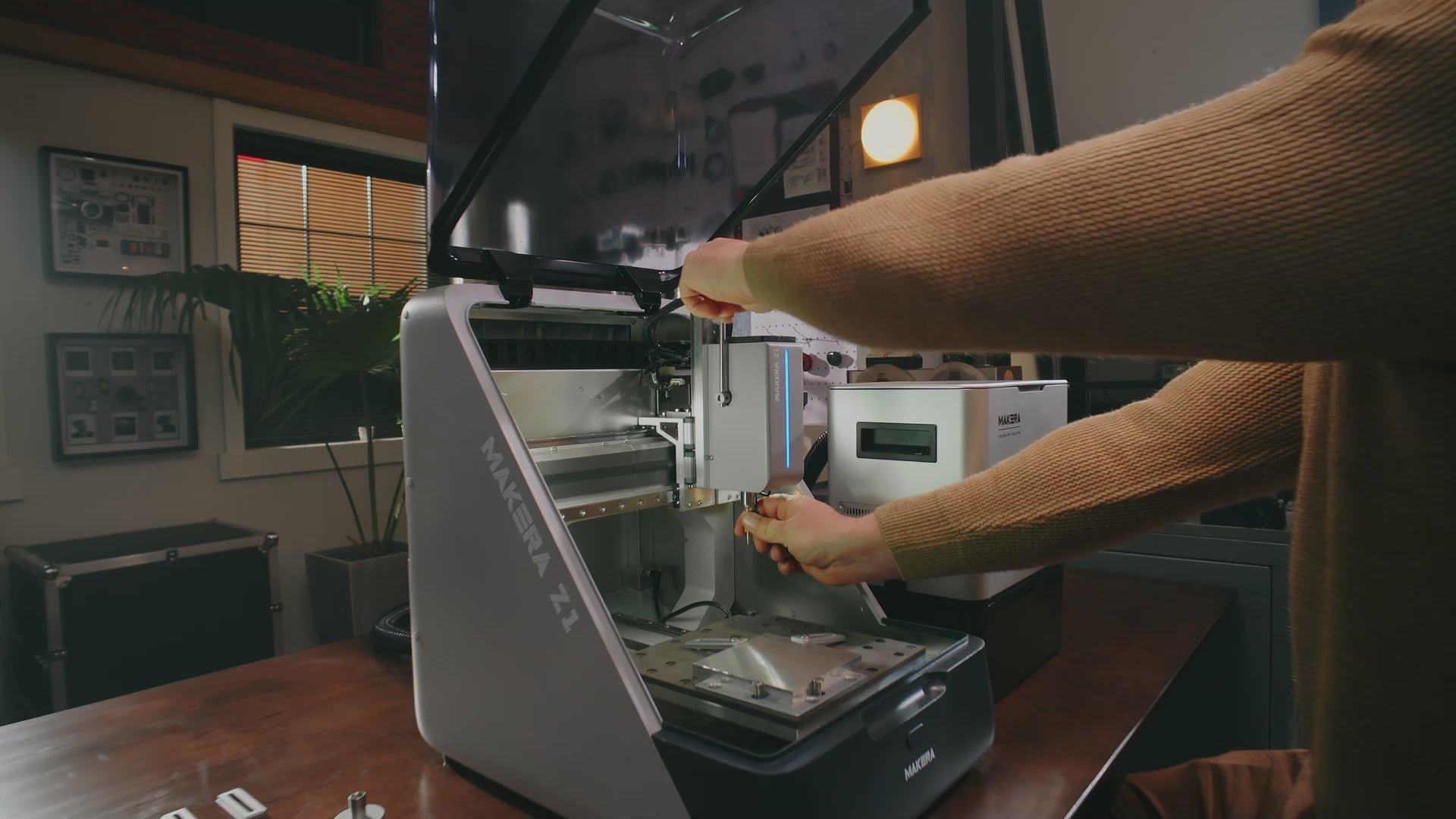
Quick Tool Change
Swap Tools in Seconds, No Downtime
Z1’s quick-change mechanism lets you replace cutting or engraving tools in seconds. No more stopping for manual adjustments—workflow stays smooth and efficient.
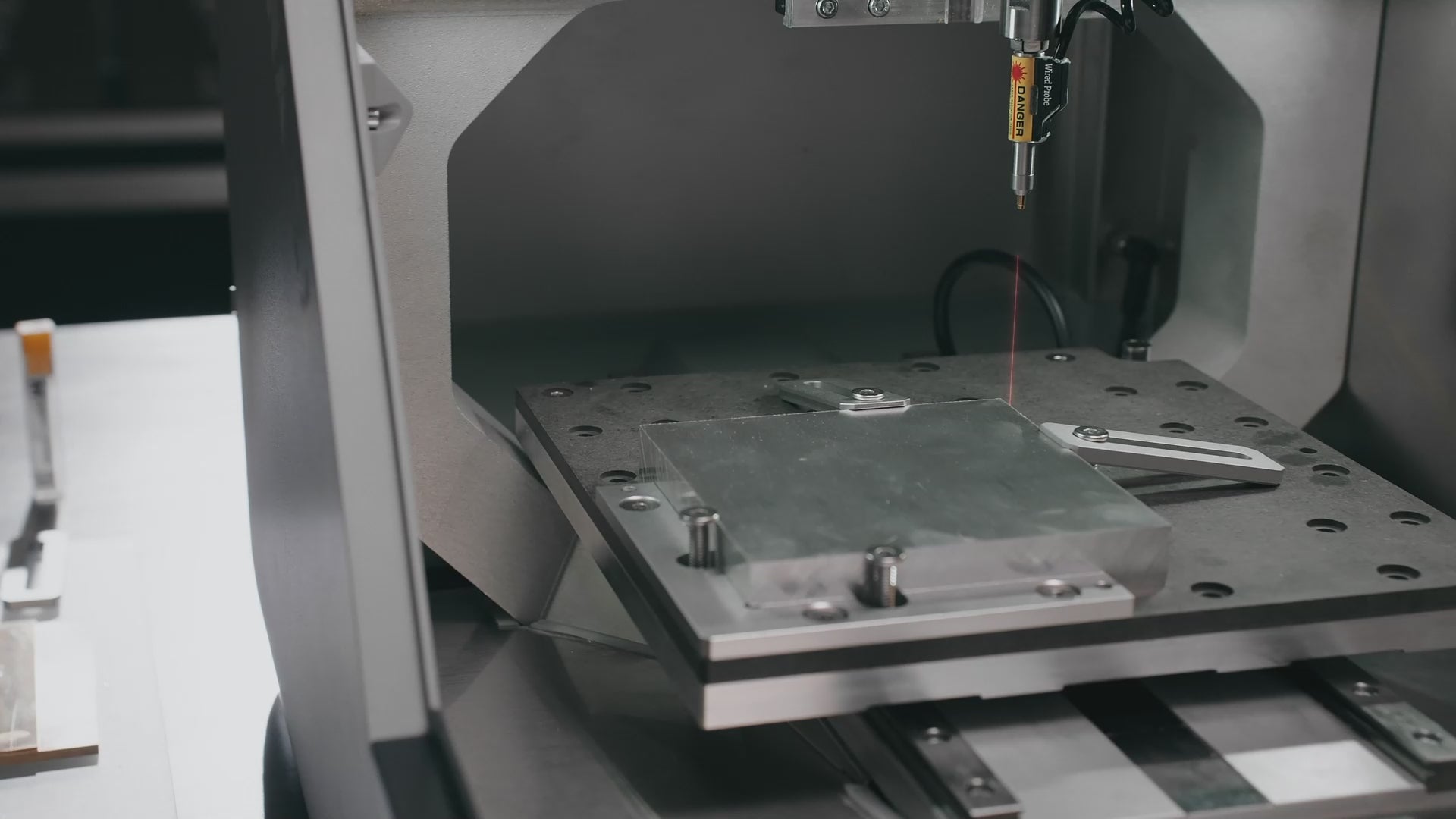
Auto Probing & Leveling
No More Manual Adjustments
Z1 probes the workpiece to detect thickness and surface position, then levels it in real time for accurate alignment before machining.
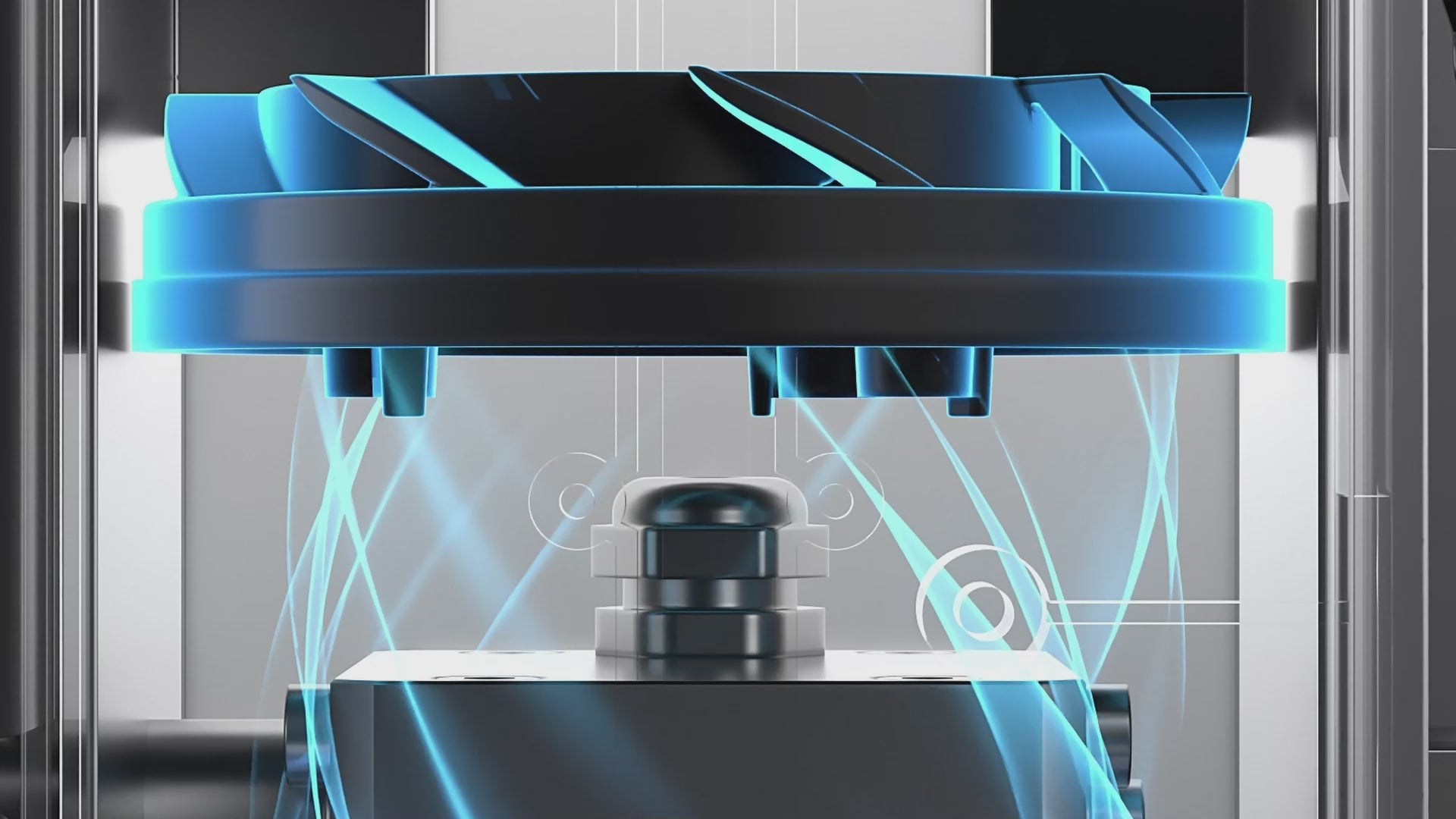
All-New AeroDust™ Collection System
Clean Workspace, Maximum Output.
The Z1 features an integrated high-pressure blower and duct system that not only dissipates heat but also effectively removes debris during machining. The bottom dust port ensures a clean workspace, optimizing efficiency with every cut.
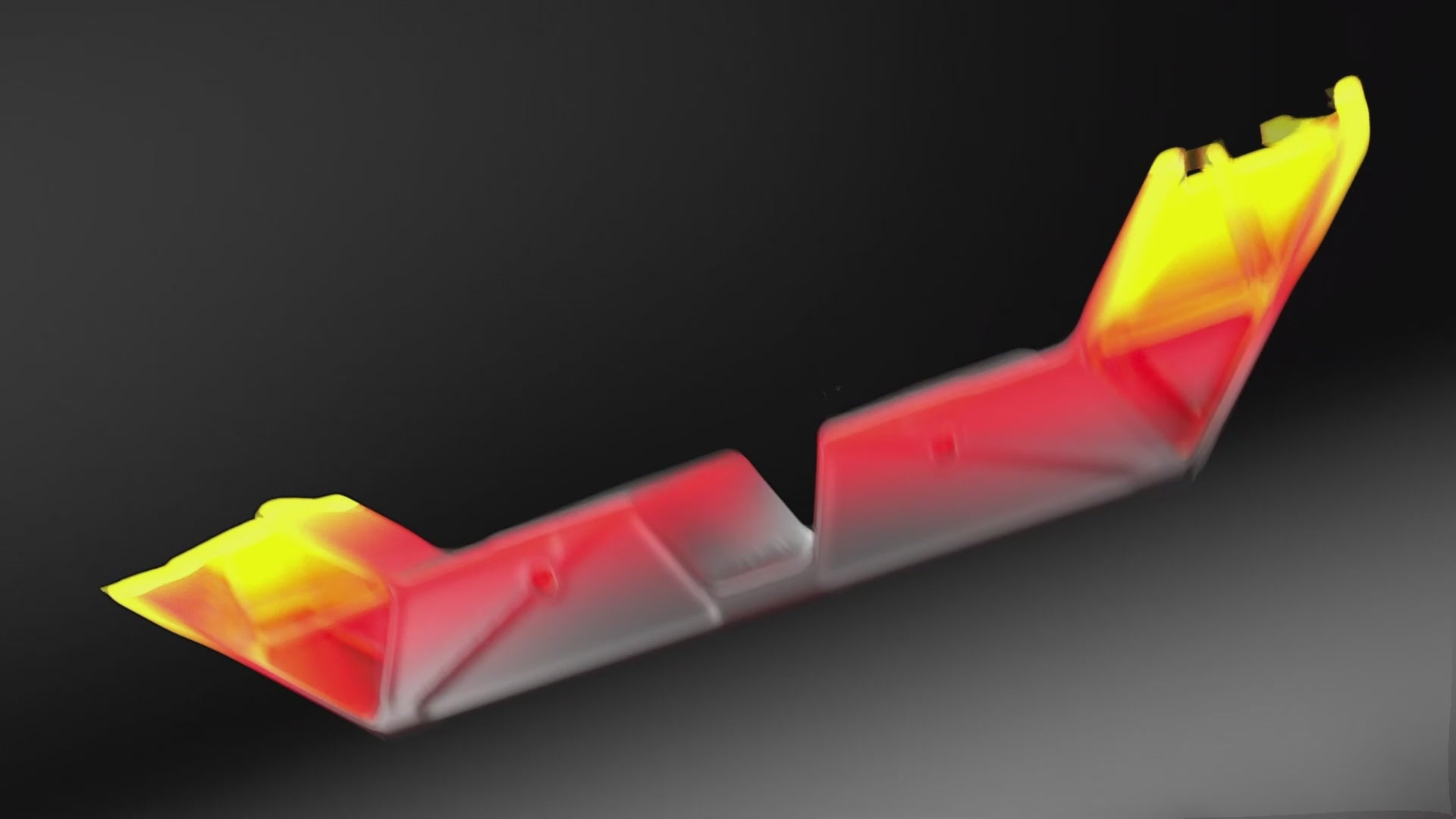
One Piece Cast Frame
Precision and Stability in Every Frame
Crafted with precision, the lightweight frame of the Z1 delivers an unwavering foundation for high-precision machining. Its robust structure ensures that every cut, carve, and design maintains absolute accuracy, even in the most demanding tasks.
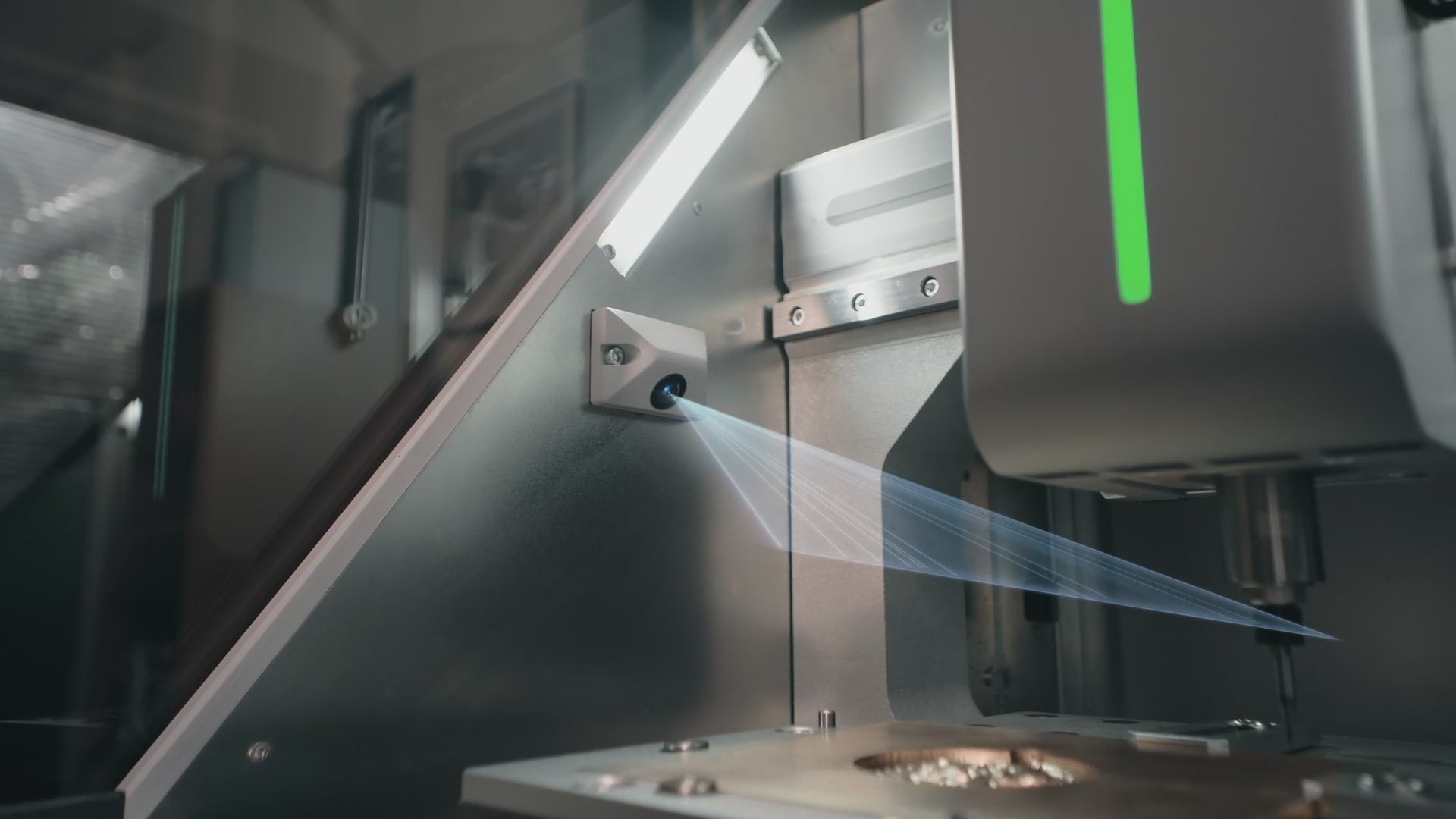
Built-in Camera
Stay Connected with Seamless Monitoring
With the built-in camera, the Z1 allows you to monitor the machining process remotely in real time. The time-lapse feature makes it easy to capture and share the entire creation process, giving you a seamless way to showcase your work.
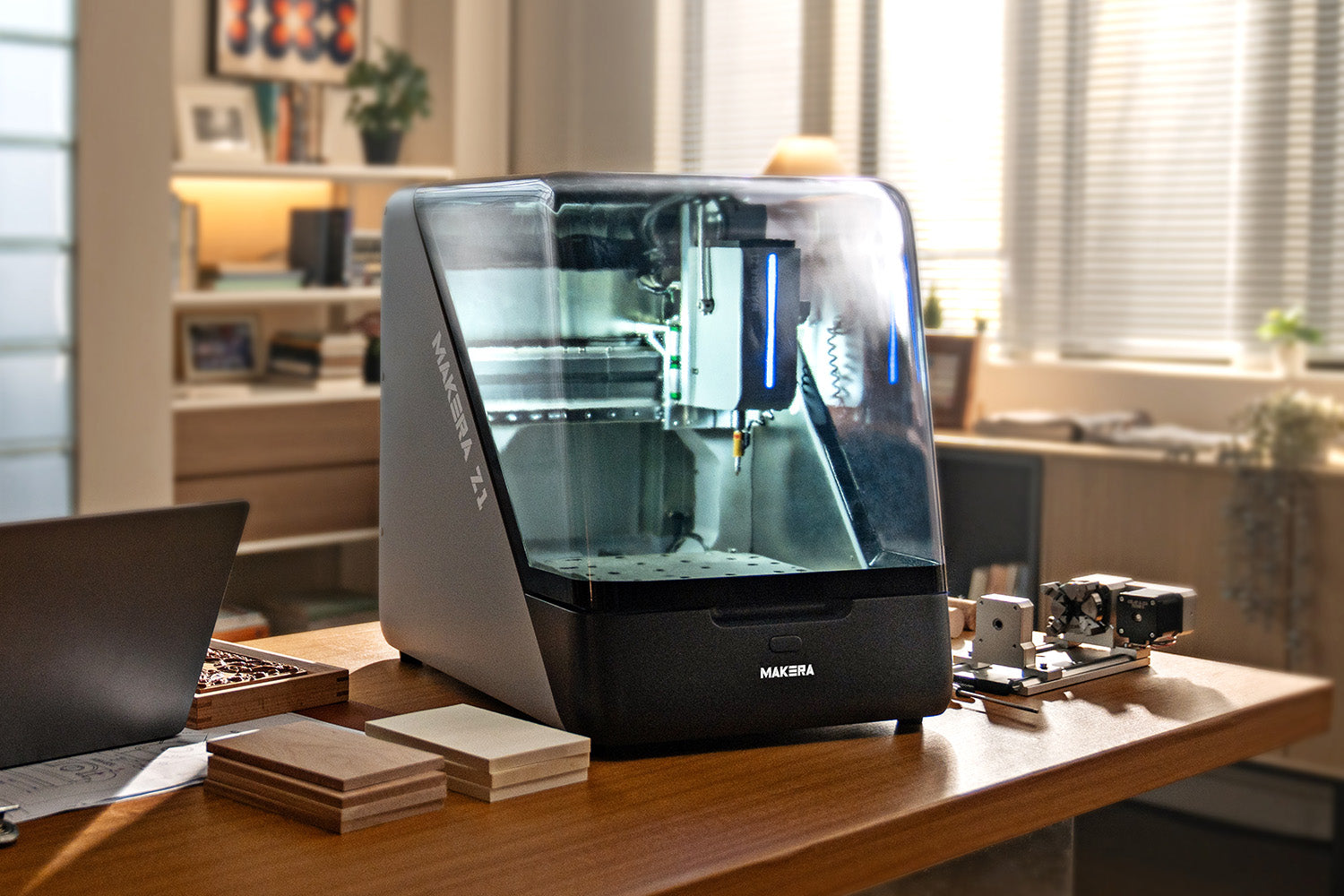
Quiet, Enclosed Frame
Operate Smoothly, Minimize Noise
Z1’s fully enclosed design keeps noise and dust contained, creating a safer and quieter workspace. Focus on your work without distractions, while maintaining a clean and controlled environment.
Better accessories for greater creativity
Intelligent Toolpaths, Ready in Minutes
The First One-Click Consumer CAM Software. From the start, we knew software was CNC's biggest barrier - until now. (Available late this year to all Makera users)
Explore a World of Designs
Makerables, Makera's CNC Project Sharing Platform. 3D printing already has mature sharing platforms. CNC deserves one too, so we built it.
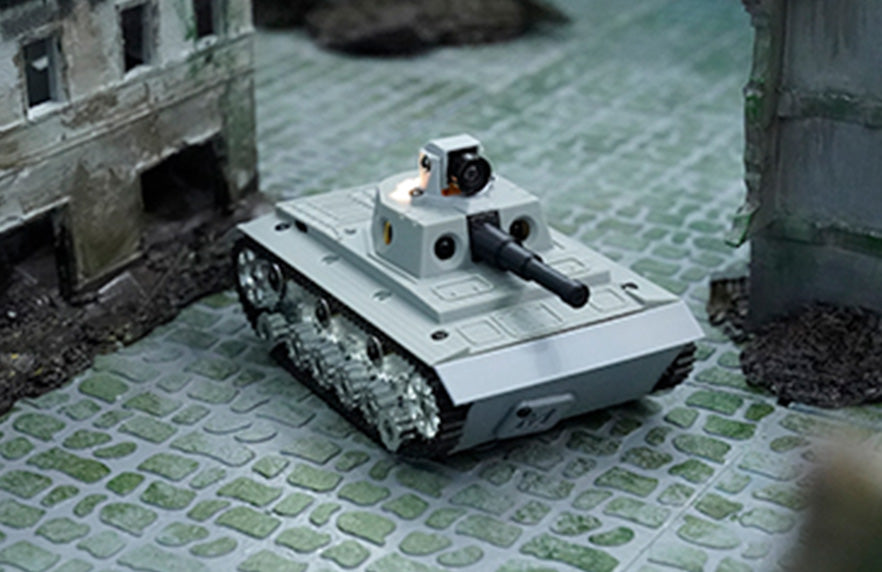
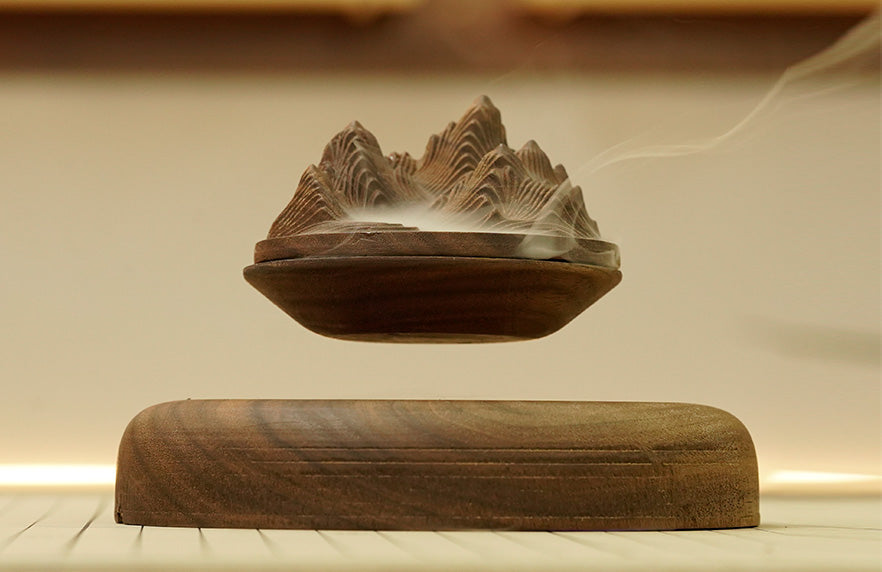
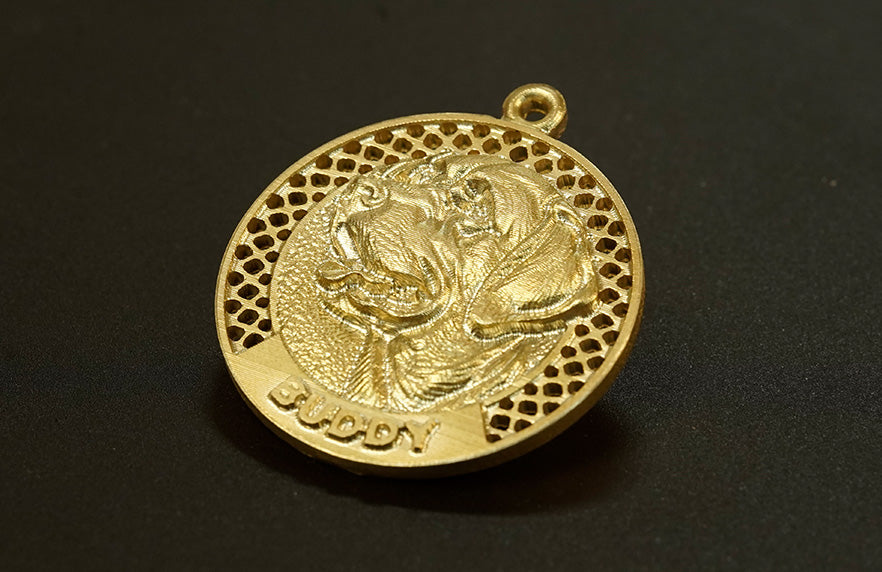
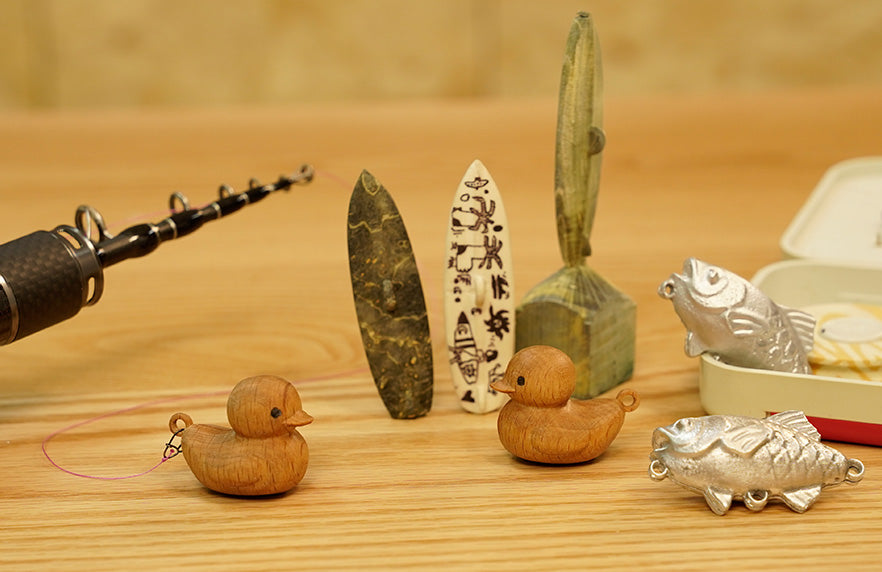
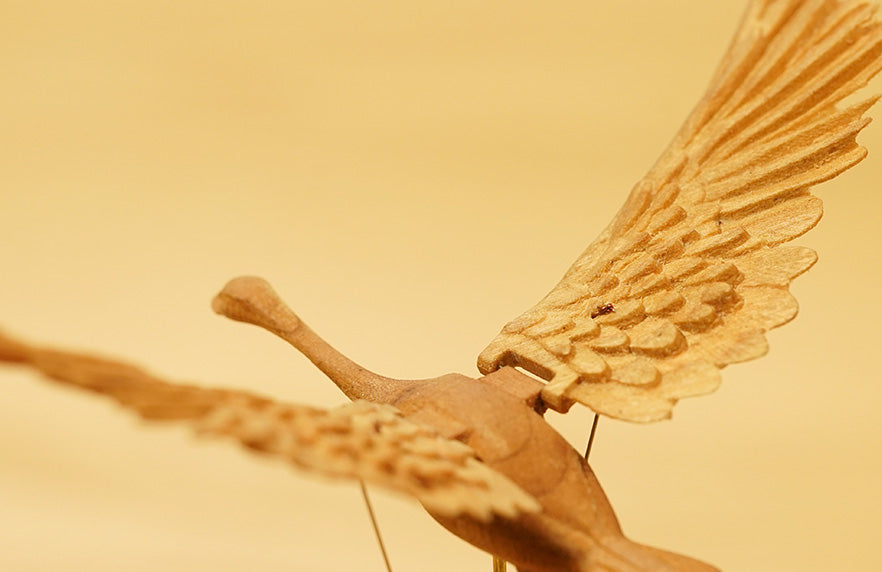
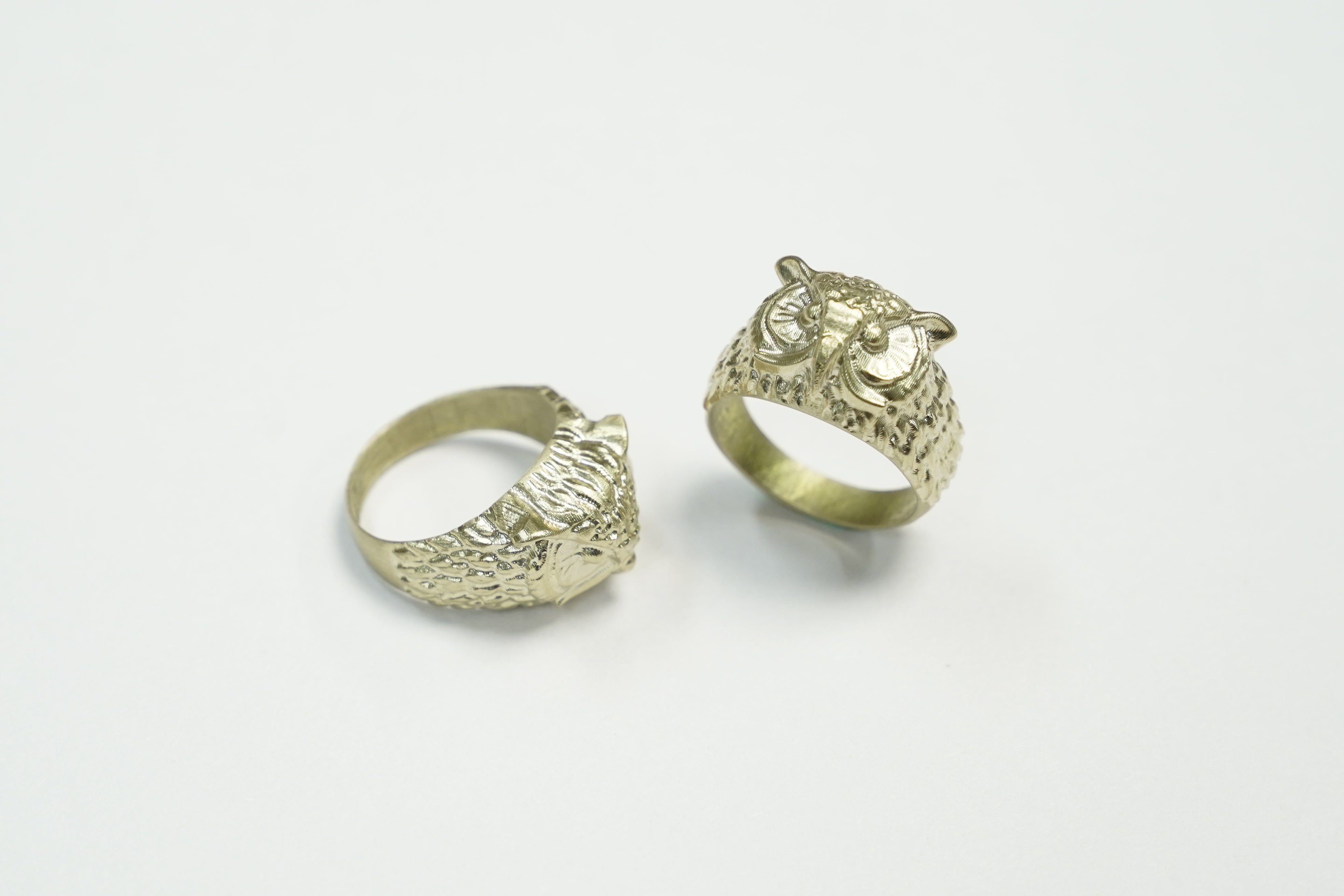
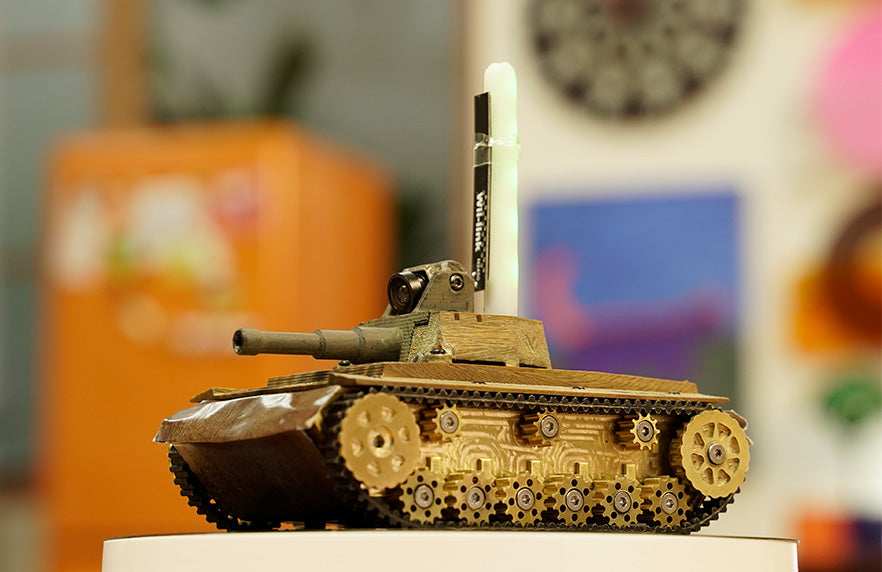
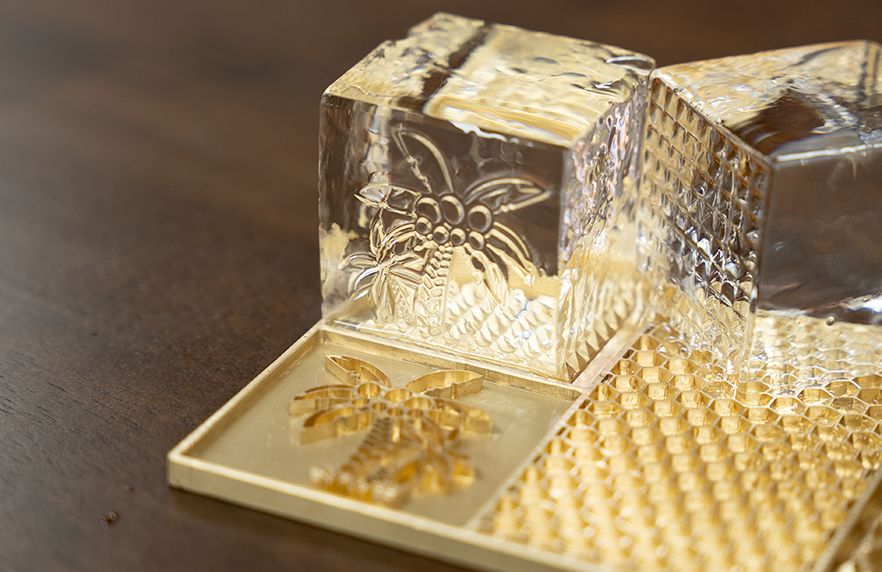
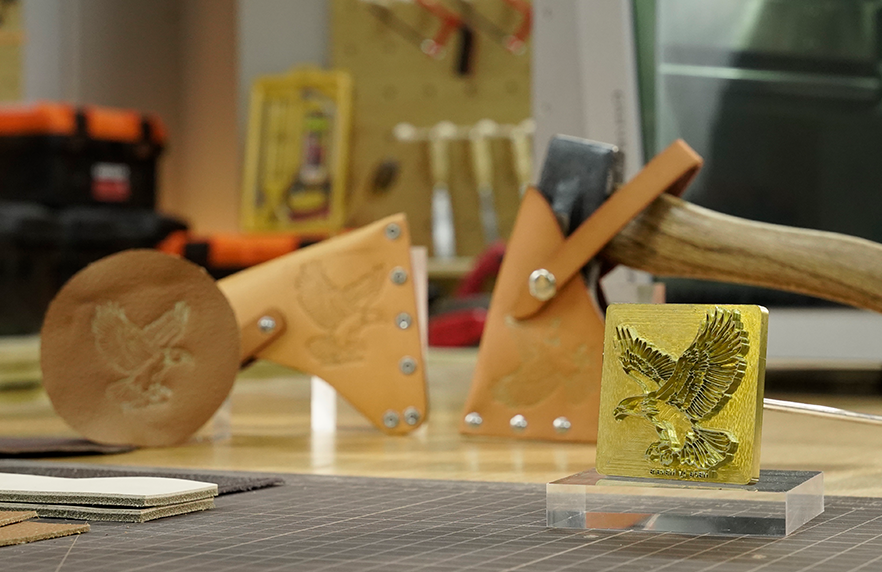
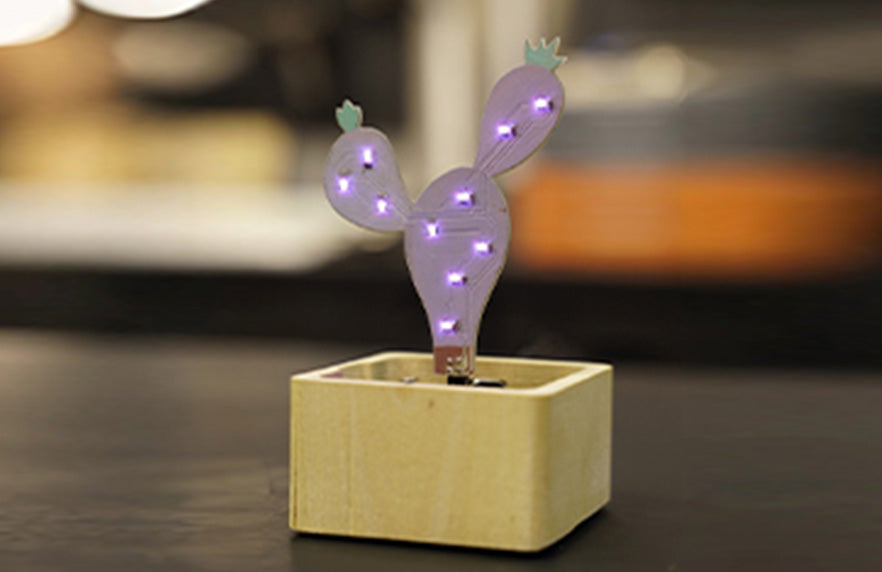
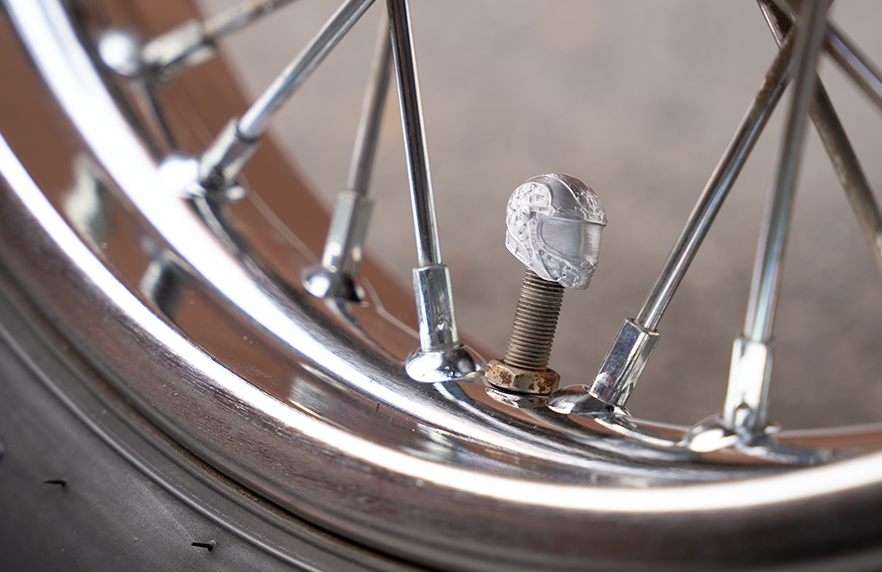
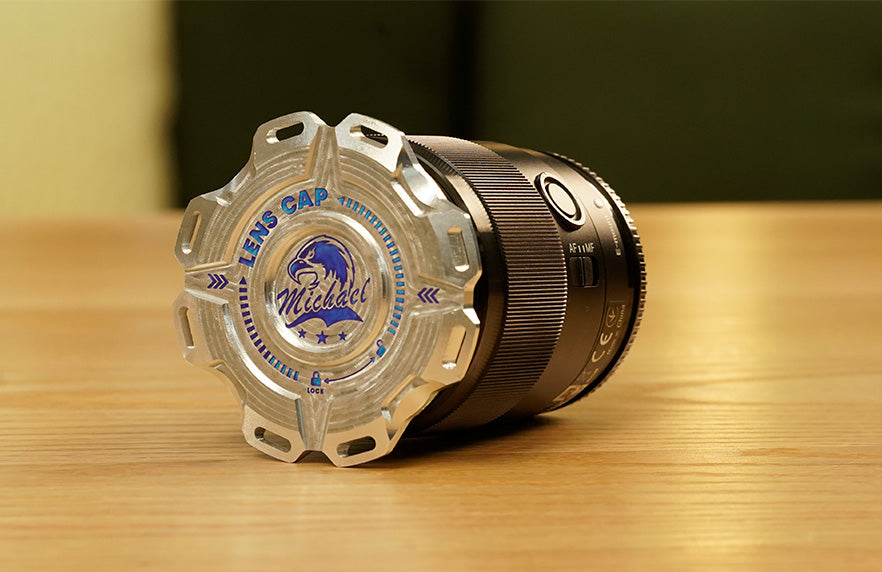
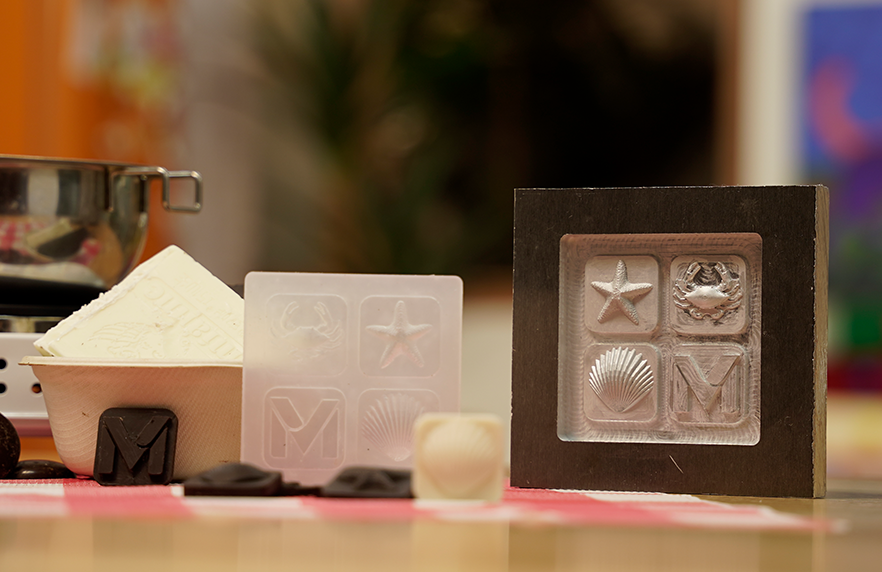
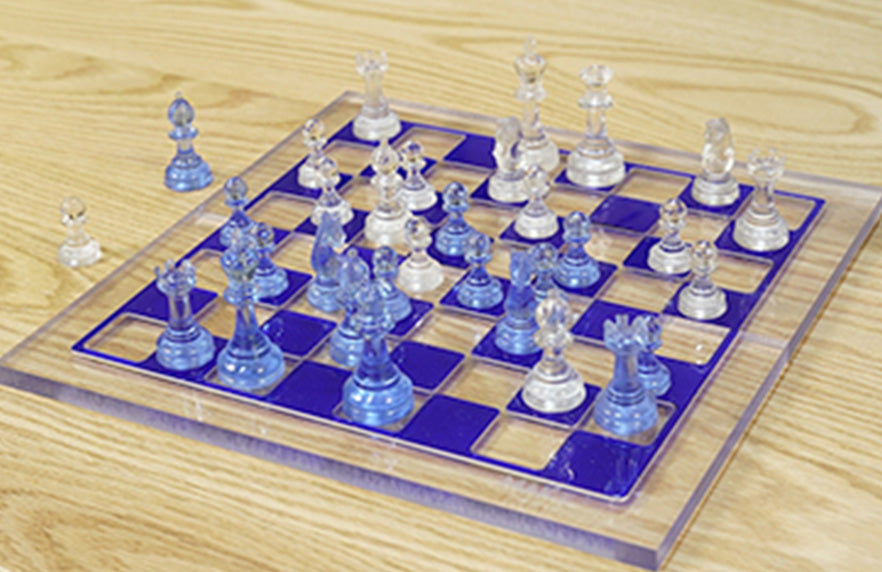
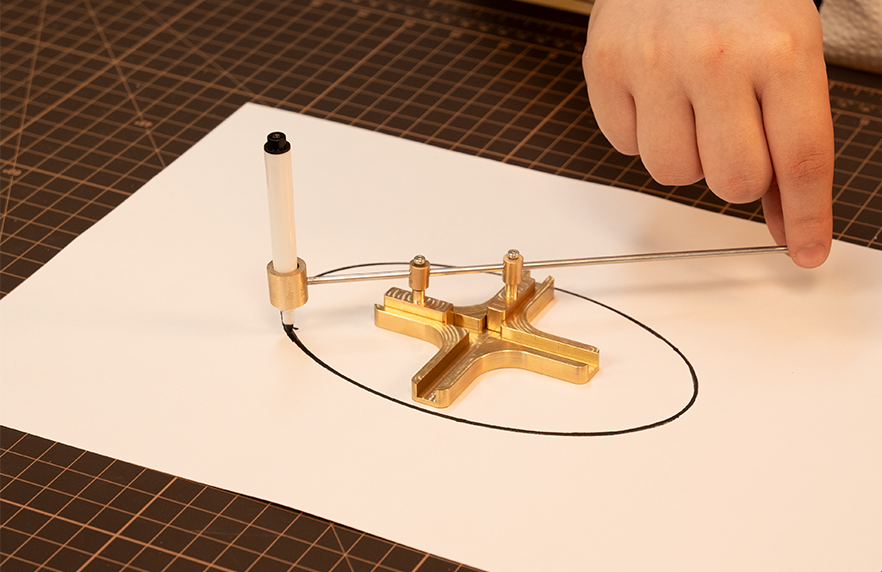
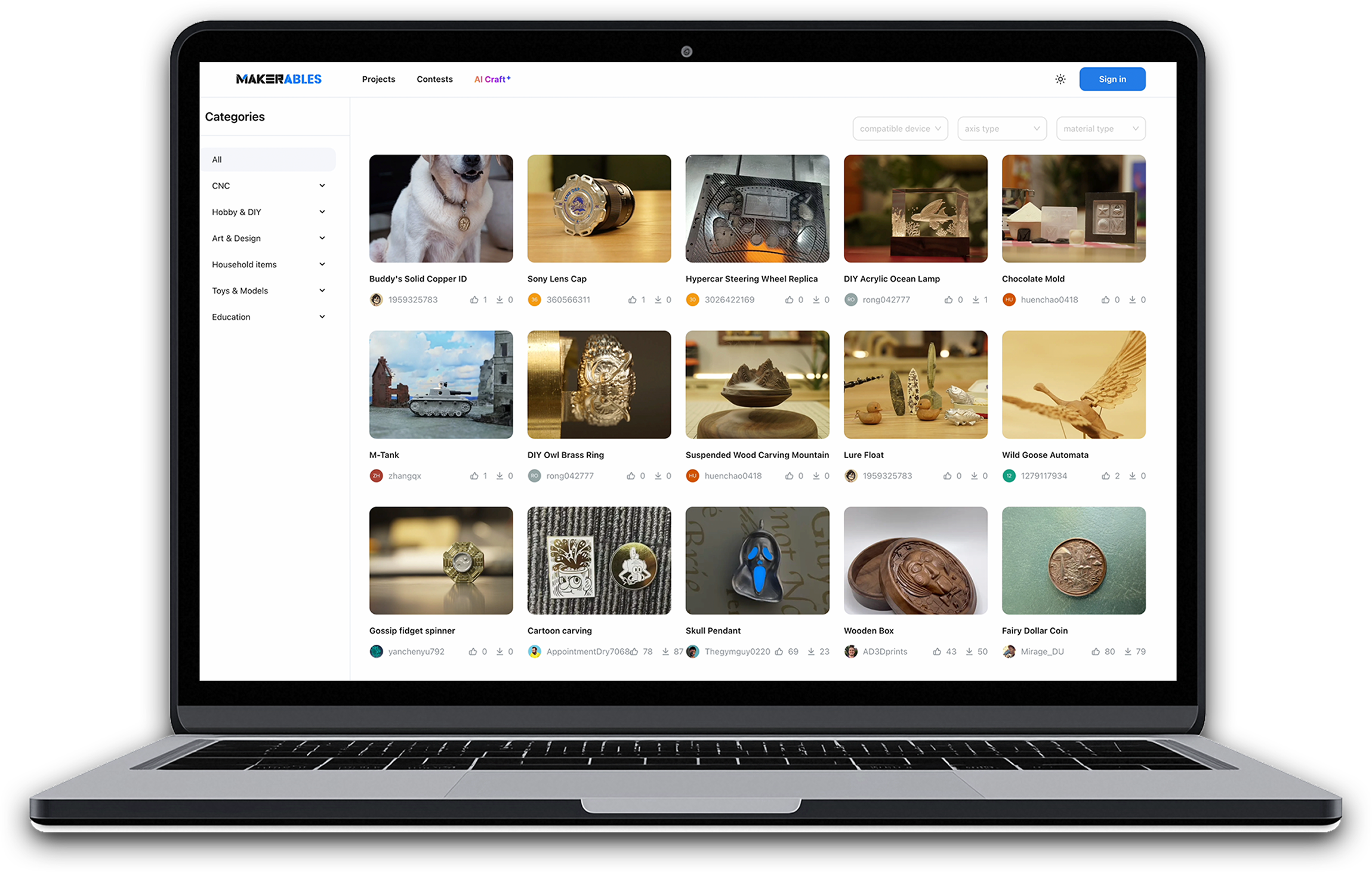
AI-Powered Workflow
Customize CNC Models with Zero Modeling Skills. Experience the AI-powered workflow and create stunning crafts like a pro. (Available late this year to all Makera users)
What Do Experts Say

247printing

Aurora Tech

TAOW

James Dean Design
-
$1,099.00 $1,199.00Learn More
-
Work Area200mm(X) * 200mm(Y) * 100mm(Z) / 7.9in * 7.9in * 3.9in
-
4th Axis Work Area (optional)80mm(Diameter) * 150mm(Length) / 3.1in * 5.9in
-
Gantry Clearance115mm / 4.5in
-
Footprint350mm(Width) * 470mm(Depth) * 450mm(Height) / 13.8in * 18.5in * 17.7in
-
Weight17kg / 37.48lbs (approx)
-
Power150 Watt
-
Speed0 - 13000 RPM with closed-loop control
-
Tool Change MethodQuick tool changer
-
Tool library size-
-
Max Power300W
-
Drive MethodZ1:8mm Linear rails + Acme lead screw or Z1 Pro: 12mm Linear rails + Ball screws
-
MotorZ1:NEMA 17 stepper motor Z1 Pro: NEMA 17 Closed-Loop Stepper Motor
-
Max Travel SpeedMax:2000mm/min
-
4th Axis Drive Method (Optional)Belt driven
-
Spindle Runout0.01mm / 0.0004in
-
Resolution0.02mm / 0.0008in
-
Laser ModuleOptional,5W
-
Dust Collection TypeAeroDust™ Collection System,bottom chip discharge (no dust pipe),and spindle air blow.Recommend to use with cyclone dust collector lite.
-
Air Assist-
-
MetalAluminum, brass, copper and other Non-Ferrous metals.
-
WoodHardwoods, softwoods, MDF, plywoods, etc.
-
PlasticFoam, PVC, ABS, Acrylic, PC, HDPE, etc.
-
Composite materialCarbon fiber, FR4, etc.
-
Laser engrave materialWood, plastic, fabric, leather, cardboard, etc.
Dimensions
Spindle
Motion System
Precision
Supplementary Functions
Supported Materials
-
$2,699.00Learn More
-
Work Area300mm(X) * 200mm(Y) * 130mm(Z) / 11.8in * 7.9in * 5.1in
-
4th Axis Work Area (optional)92mm(Diameter) * 200mm(Length) / 3.6in * 7.9in
-
Gantry Clearance120mm / 4.7in
-
Footprint500mm(Width) * 450mm(Depth) * 450mm(Height) /19.7in * 17.7in * 17.7in
-
Weight30kg / 66lbs (approx)
-
Power200 watt
-
Speed0 - 13000 RPM with closed-loop control
-
Tool Change MethodQuick tool changer
-
Tool library size-
-
Max Power400W
-
Drive MethodZ-axis:15mm linear rails + ball screw, X/Y-axis: 20 hardened chrome-plated rods (linear shafts) + ball screws
-
MotorClosed-loop stepper motors
-
Max Travel SpeedMax:4000mm/min
-
4th Axis Drive Method (Optional)Harmonic drive
-
Spindle RunoutLess than 0.01mm / 0.0004in
-
Resolution0.01mm / 0.0004in
-
Laser ModuleOptional,5W
-
Dust Collection TypeRequires external dust collector, rear chip discharge via dust pipe and spindle dust shoe.Recommend to use with Makera cyclone dust collector
-
Air AssistSupports External Air Compressor Connection
-
MetalIdeal for Aluminum, brass, copper. Compatible with Limitations: Steel, Titanium (not advised for prolonged processing)
-
WoodHardwoods, softwoods, MDF, plywoods, etc.
-
PlasticFoam, PVC, ABS, Acrylic, PC, HDPE, etc.
-
Composite materialCarbon fiber, FR4, etc.
-
Laser engrave materialWood, plastic, fabric, leather, cardboard, etc.
Dimensions
Spindle
Motion System
Precision
Supplementary Functions
Supported Materials
What's in the Box

Specifications
| Dimensions | |
| Work Area | 200mm(X) * 200mm(Y) * 100mm(Z) / 7.9in * 7.9in * 3.9in |
| 4th Axis Work Area (optional) | 80mm(Diameter) * 150mm(Length) / 3.1in * 5.9in |
| Gantry Clearance | 115mm / 4.5in |
| Max Height (Lid open) | 840mm / 33in |
| Footprint | 350mm(Width) * 470mm(Depth) * 450mm(Height) / 13.8in * 18.5in * 17.7in |
| Weight | 17kg |
| Spindle | |
| Power | 150 Watt |
| Speed | 0 - 13000 RPM with closed-loop control |
| Collet | Custom collet with 1/8in integrated (optional: 1/4in, 6mm, 4mm, 3mm) |
| Tool Change Method | Quick tool changer |
| Cooling | Built-in air cooling |
| Motion System | |
| Motor | Makera Z1:NEMA 17 stepper motor / Z1 Pro:NEMA 17 Closed-Loop Stepper Motor |
| Drive Method | Linear rails + Acme lead screw/ Z1 Pro:Linear rails + Ball screws |
| 4th Axis Drive Method (Optional) | Belt driven |
| Precision | |
| Spindle Runout | 0.01mm / 0.0004in |
| Resolution | 0.02mm / 0.0008in |
| Laser Module (optional) | |
| Power | 5 Watt |
| Laser Type | 445nm semiconductor diode laser |
| Dust Collection | |
| AeroDust™ Collection System | Integrated spindle & tool cooling with active chip evacuation and dust collection. |
| Supported Materials | |
| Metal | Aluminum, brass, copper and other Non-Ferrous metals. |
| Wood | Hardwoods, softwoods, MDF, plywoods, etc. |
| Plastic | Foam, PVC, ABS, Acrylic, PC, HDPE, etc. |
| Composite material | Carbon fiber, FR4, etc. |
| Laser engrave material | Wood, plastic, fabric, leather, cardboard, etc. |
| Software | |
| Makera Studio — the new Makera CAM. | Makera's first one-click consumer CAM software — available free to all Makera users. |
| Compatible CAD/CAM software: | Fusion360, SolidWorks, AutoCad, VCarve Pro, Aspire, Illustrator, etc. |
| Makera App — the new Makera Controller | Makera's mobile app lets you control and monitor your machine remotely. |
| Makerables | A universal CNC project-sharing platform from Makera. |
| AI Craft | Makera's AI tool lets you Customize CNC Models with Zero Modeling Skills. |
FAQ
What materials can the Makera Z1 process, and what are its limitations?
The Makera Z1 can efficiently process a range of materials, but it also has important limitations.Supported materials & conditions:
- Non-ferrous metals (aluminum alloys like 6061, 7075-T6, brass, copper)Single-pass cutting depth for aluminum: typically < 1mmMaximum recommended aluminum thickness: ~50mm
- Wood, acrylic, ABS, PCB boardsAcrylic (transparent acrylic, PC, ABS) can be cut mechanically with CNC milling cuttersRecommended single-pass depth for acrylic: < 1mm; max thickness: ~20mmThe optional diode laser module is for engraving only – it cannot cut acrylic
- Carbon fiber composite boards (CFRP)Supported, but safety precautions must be taken during operation
- Thick leatherTheoretically possible, but produces rough edges requiring post-processing. Use a single-flute end mill.
Not recommended:
- Ferrous metals (e.g., steel, stainless steel, titanium) – We do not recommend using the Z1 for ferrous metals unless you have prior machining experience, as these materials are more challenging and may exceed the machine’s intended capabilities.
Not supported / not suitable:
- Glass – The Z1 cannot process glass.
- Agate / stone – These generally require wet processing and are not suitable for the Z1.
For additional materials or specific thickness requirements, please contact support for tailored recommendations.
Are the accessories and parts of the Z1, Carvera, and Carvera Air interchangeable?
- 4th axis: Not compatible across the three models.
- Laser module: Z1 and Air are the same.
- Other accessories (tools, collets, etc.): Compatible across all three models.
What is the machining accuracy of the Z1?
- Spindle runout: 0.01mm / 0.0003in
- Resolution: 0.02mm / 0.0004in (total tolerance range: 0.02mm, i.e., ±0.01mm)
- Repeatability: 0.002mm
The same tolerance accuracy can be maintained when processing aluminum alloys and brass, meeting the needs of small precision parts (e.g., watch dials, small aluminum parts).
What are the working area dimensions of the Z1?
- 3-axis working area: 200mm (X) × 200mm (Y) × 100mm (Z)
- 4-axis working area: Ø80mm (diameter) × 150mm (length)
Suitable for rapid prototyping, small aluminum parts, PCBs, woodworking, and handicrafts. Its compact size balances desktop usage with common project requirements.
What is the spindle power and speed of the Z1?
- Spindle power: 150W – suitable for DIY enthusiasts, makers, and hobbyists. For higher power needs, Carvera or Carvera Air (both 200W) are recommended.
- Spindle speed: 0–13,000 RPM with closed-loop control for stable cutting.
What is the noise level of the Z1?
Operating noise is approximately 70 decibels, varying slightly depending on the tools and materials used. It meets desktop usage needs without excessively disturbing the surrounding environment.
Can the Z1 process multiple PCB boards in batch?
Multiple PCBs can be placed side by side on the workbench (e.g., 3 boards horizontally). As long as the overall dimensions are within the working area, batch processing is possible. Vertical stacking is not recommended because board stability during machining is difficult to ensure.
Is the standard version of the cyclone dust collector compatible with the Makera Z1?
Yes, both the standard cyclone dust collector and the cyclone dust collector lite are compatible with the Makera Z1.
Compared to Air's harmonic drive, what is the gear ratio and torque output (Nm) of the new Makera Z1's 4th axis?
The torque of the Makera Z1's 4th axis is approximately 2.5 Nm. The harmonic drive versions of Air and Carvera have approximately 10 Nm.
What is the load capacity of the Makera Z1 worktable?
Maximum load is 5 kg.
What are the differences among the Makera Z1's wired probe, 3D probe rod, and 3D probe?
- Wired probe (included with the machine): Used for Z-axis probing and laser indication.
- 3D probe rod (included in the package): Designed for finding edges and surfaces, but works only on metal materials.
- Add-on 3D probe (sold separately): Supports probing on both metal and non-metal materials, offering more versatility.
What is the maintenance procedure/interval for the Z1 Pro's ball screws?
We fill the ball screws with lubricating grease at the factory. Periodically, or when you notice the grease is lacking, you can apply some directly onto the screw (a small amount of grease is included with the machine).
Does the Makera Z1 support threading?
Yes, it supports threading. Threading tools with a 1/8-inch (3.175mm) shank support M1 to M5. We have just launched threading tools with a 6mm shank that support up to M8.
Does the Makera Z1 have a phone/tablet holder on the side?
The Makera Z1 does not come with a phone/tablet holder on the side.
Can the Makera Z1 run continuously for 24 hours without overheating?
Yes, there is a fan above the spindle for heat dissipation.