


Free Shipping
30-Day Return
1 Year Warranty
MAKERA
Makera A1S Desktop CNC [Pre-order]

- Save up to $950 on bundles at pre-order pricing
- Pre-order gift pack worth up to $159
- Earn 3× points
Pre-order item. Shipping begins: January 2027 (from our factory). Estimated transit time: 45–70 days by sea. Chinese New Year notice: Shipping may be delayed by up to 30 additional days due to the Chinese New Year holiday. First come, first shipped: Orders will be fulfilled in the order of completed payment. Pre-order early to secure your spot in the first batch and receive your machine sooner.
Buy with an A1S machine for 15% off, applied in cart.
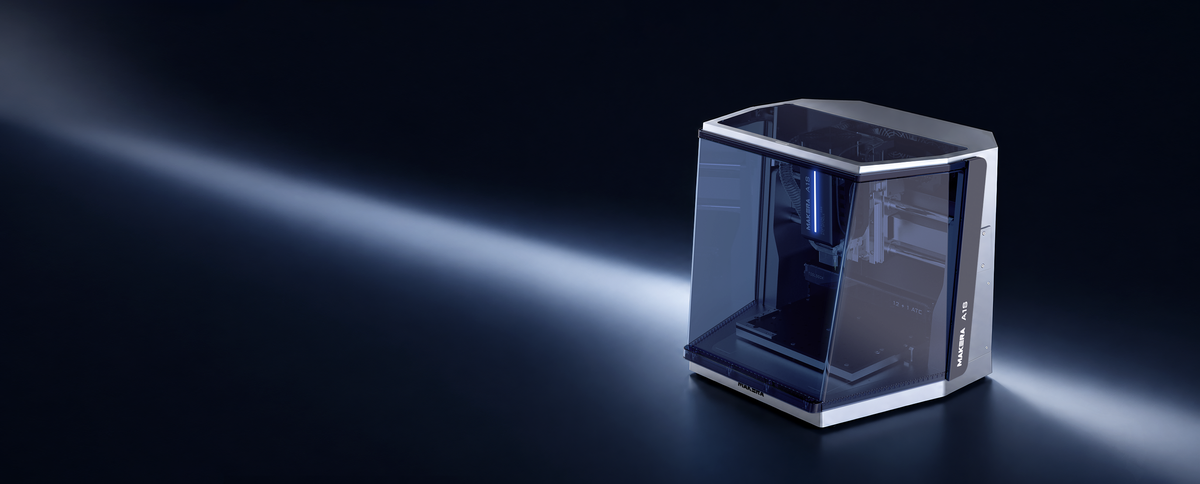
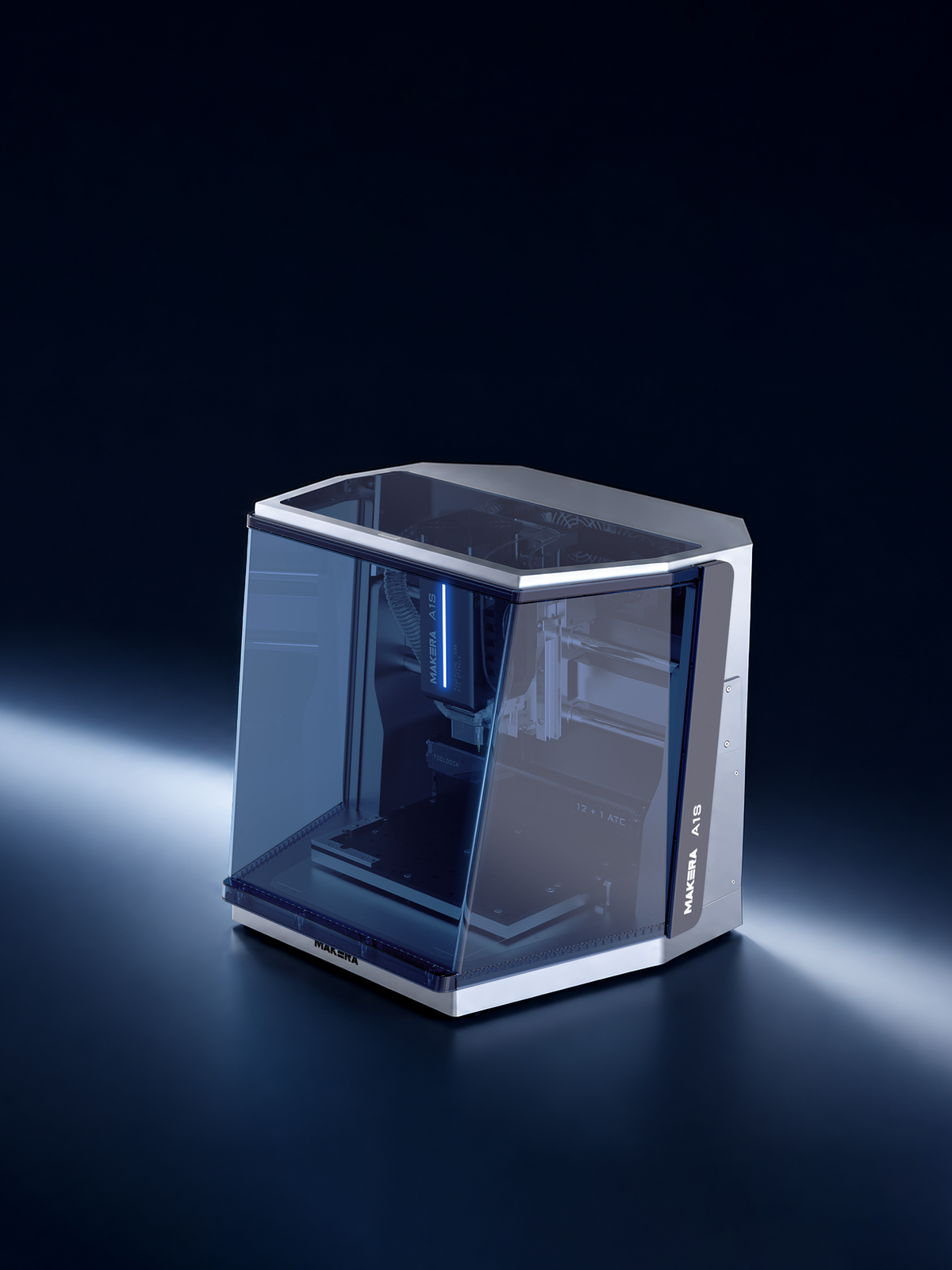
Unleash Your CNC Creativity with Makera A1S
Free Shipping
30-Day Return
1 Year Warranty





Highlight Overview
Cooling matters. MQLoptional is our answer
Cooling matters.
MQLoptional is our answer
Temperature control matters a lot in CNC machining. But we want it to stay on your desk, so we built our own MQL (Minimum Quantity Lubrication) solution.
Stays small
Mounts right on top of the A1S, barely adding to its footprint. One fill runs 40 hours.
Cuts smoother
A fine mist of lubricant, exactly at the cutting edge. Surface finishes come out better; tool life stretches longer.
The Community Helps. You Make.
Makerables, our project community, is stacked with ready-to-machine projects. Pick one to start from day one.
And with tens of thousands of users already in the community, you're never figuring it out alone.


Supported Materials



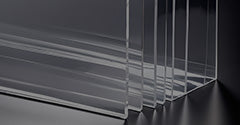
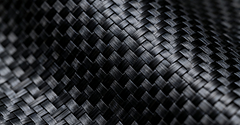
More Possibilities. Pick What You Need
More Possibilities.
Pick What You Need

A fine mist of lubricant, exactly at the cutting edge: cleaner finishes, longer tool life, no coolant tanks.

The 4-axis module adds rotary motion. Machine cylinders. Cut both sides without flipping. Shape true 3D forms.

Swap in the 5W laser head for laser engraving and cutting, added to the machine you already have.

Engineered for your closed CNC mill, this collector keeps your workspace cleaner and extends tool life with fine particle capturing.

For the A1S: touch off edges, map surface heights, and find your zero in seconds.

For the A1S ATC: touch off edges, map surface heights, and find your zero in seconds, wirelessly.

Sits below the cut and clamps from the side, so you get edge-to-edge machining with zero clamp anxiety.

Secure flat materials with zero clamps. It pairs with the Cyclone Dust Collector to hold sheets and plates in place.

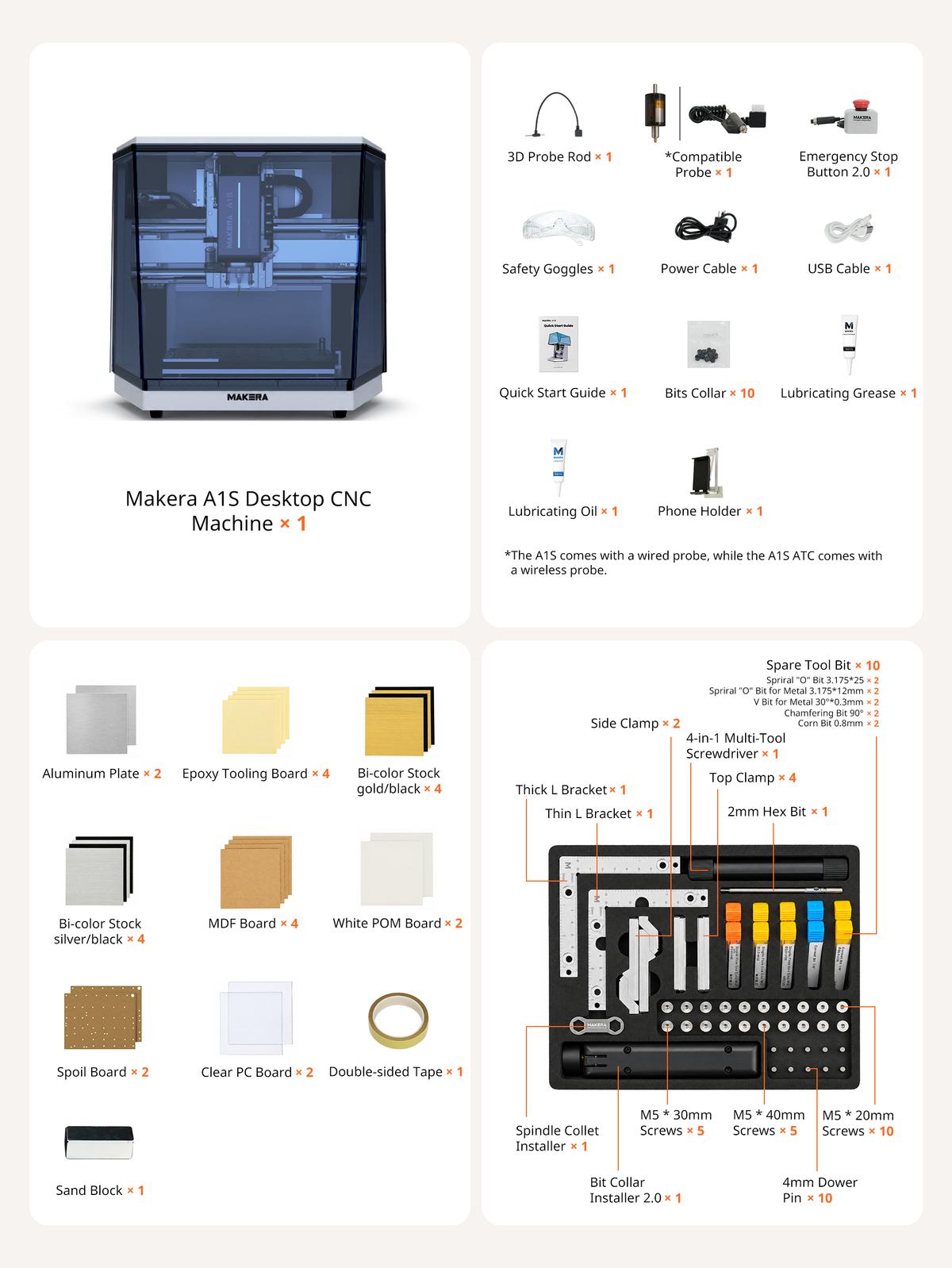
Specifications
| Dimensions | |
| Work Area | A1S: 300 × 200 × 130 mm (X × Y × Z) / 11.81 × 7.87 × 5.12 in A1S ATC: 300 × 150 × 130 mm (X × Y × Z) / 11.81 × 5.91 × 5.12 in Note: The rear-mounted tool rack reduces the A1S ATC's Y-axis travel from 200 mm to 150 mm. It can be removed to accommodate larger workpieces and enable pass-through machining. |
| 4th Axis Work Area (optional) | 9.2 cm (Diameter) × 20 cm (Length) / 3.62 in × 7.9 in |
| Gantry Clearance | 12 cm (excluding MDF board, thickness 6 mm) / 4.7 in |
| Max Height (Lid open) | 84 cm / 33 in |
| Footprint | 50 cm (Width) × 45 cm (Depth) × 45 cm (Height) / 19.7 in × 17.7 in × 17.7 in |
| Weight | 40 kg / 88 lbs (Approx.) |
| Spindle | |
| Power | 600 W |
| Speed | 0–24000 RPM with closed-loop control |
| Collet | Custom collet with 1/8 in integrated (optional: 1/4 in, 6 mm, 4 mm, 3 mm) |
| Tool Change Method | A1S — Quick Tool Change; A1S-ATC — Auto Tool Change (12 Tool Slots + 1 Dedicated Wireless Probe Slot) |
| Cooling | Air Cooling or MQL(External air compressor and MQL accessory required ) |
| Motion System | |
| Motor | Closed-loop stepper motors |
| Drive Method | Z-axis: Linear Guide Rails + Ball Screw; X/Y-axis: 25 mm Hardened Solid Steel Guide Rods + Ball Screws |
| Max Travel Speed | 4000 mm/min (157 in/min) |
| 4th Axis Drive Method (Optional) | Harmonic drive |
| Precision | |
| Spindle Runout | Less than 0.01 mm / 0.0004 in |
| Resolution | 0.01 mm / 0.0004 in |
| Laser Module (optional) | |
| Power | 5 W |
| Laser Type | 445 nm semiconductor diode laser |
| Dust Collection | |
| Cyclone Dust Collector (optional) | External dust collector with rear-chip evacuation duct + spindle dust shoe |
| Supported Materials | |
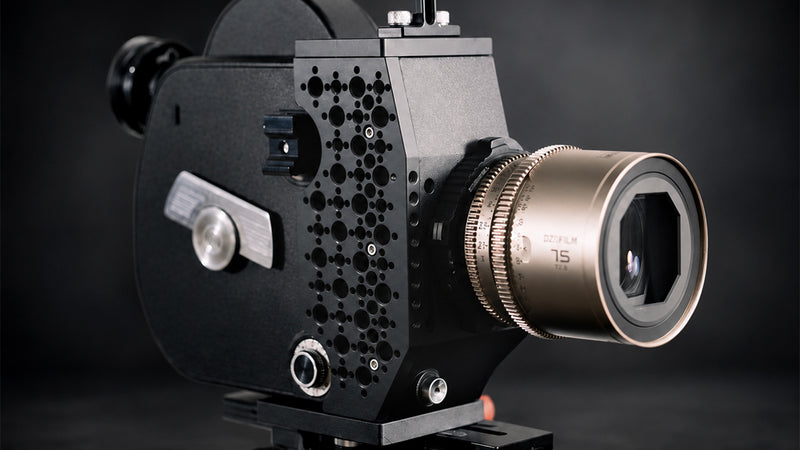
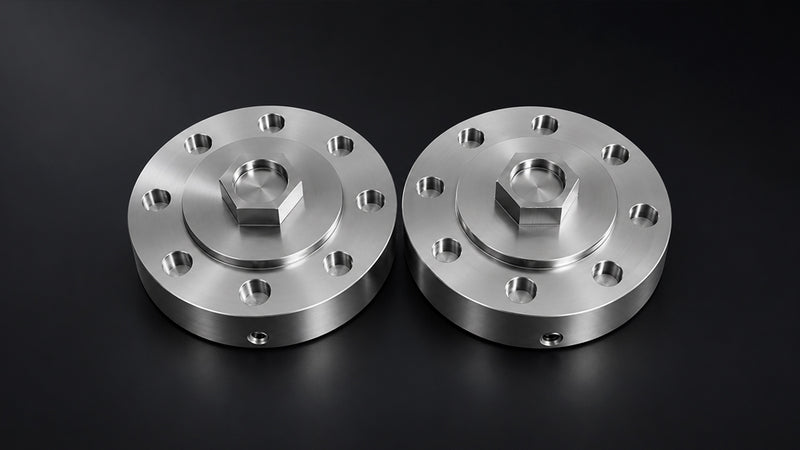
| Metal | Optimized for aluminum, brass, and copper, while also capable of machining tougher metals such as steel under appropriate cutting conditions. |
| Wood | Hardwoods, softwoods, MDF, plywood, etc. |
| Plastic | Foam, PVC, ABS, acrylic, PC, HDPE, etc. |
| Composite material | Carbon fiber, FR4, etc. |
| Laser engrave material | Wood, plastic, fabric, leather, cardboard, etc. |
| Software | |
| Makerables | A universal CNC project-sharing platform from Makera. |
| AI Craft | Makera's AI tool lets you customize CNC models with zero modeling skills. |
| Connectivity: | USB / WIFI. |
| Compatible CAD/CAM software: | Fusion 360, SolidWorks, AutoCAD, VCarve Pro, Aspire, Illustrator, etc. |
FAQs
What materials can A1S process, and what are its limitations?
A1S is optimized for aluminum alloys (6061/6063/7075), brass, and copper. A1S performs very well on these metals and significantly improves machining efficiency.Gold/Silver: A1S can machine precious metals, but users must handle precious-metal dust and chip collection themselves.Processable material: steel (iron) parts — with the officially recommended depth of cut and feed parameters and suitable tooling, steel machining can be completed.Limitations:
- Glass: A1S cannot process glass.
- Agate/stone: These generally require wet processing and are not suitable for A1S.
Are A1S accessories and parts interchangeable with other models (such as the original Carvera)?
- MQL minimum quantity lubrication: compatible with A1S/Carvera/Air; not compatible with Z1; requires a separate air compressor and lubricating oil.
- 3D wired probe: compatible with Z1/Air/A1S.
- 3D wireless probe: compatible with Carvera/A1S ATC.
- 4-axis module: compatible with Air/A1S; not compatible with other models.
- Laser module: compatible with Z1/Air/A1S.
- Cyclone Dust Collector: compatible with Carvera/Air/Z1/A1S.
- Low-Profile Vise: compatible with A1S/Carvera/Air/Z1.
- Vacuum bed: table sizes differ by machine, so the vacuum suction cup differs; each machine model uses its corresponding model.
What are the main differences between A1S and A1S ATC?
The two machines have the same core machining capability; the main differences are the tool-changing method and probe configuration.
- Tool changing: A1S uses manual quick tool change (QTC); A1S ATC uses 12-position automatic tool change (ATC).
- 3D probe option: A1S uses a 3D wired probe; A1S ATC uses a 3D wireless probe.
For multi-toolpath, continuous machining from roughing to finishing in one setup, choose ATC; for cost-effectiveness with acceptable manual tool changes, choose A1S. - The A1S work area is 30 cm (X) × 20 cm (Y) × 13 cm (Z) / 11.81 in × 7.87 in × 5.12 in, while the A1S ATC work area is 30 cm (X) × 15 cm (Y) × 13 cm (Z) / 11.81 in × 5.91 in × 5.12 in. The A1S ATC has a slightly smaller work area because it houses the ATC tool magazine
How should the 3D probe be selected for A1S?
A1S does not include a 3D probe as standard; select it by machine model: A1S uses the 3D Wired Probe (Makera 3D Wired Probe); A1S ATC uses the 3D Wireless Probe (Makera 3D Wireless Probe).
Does A1S support threading?
Yes, it supports threading through thread milling operations. Threading tools with a 1/8-inch (3.175 mm) shank support M1–M5; the newly launched 6mm shank threading tools support up to M8.
Does the A1S have a phone holder on the side?
The A1S accessory box includes one Phone Holder as standard; it can be fixed to the side of the machine for holding a phone or other mobile device.
What is the maximum machining size of A1S?
A1S max machining range:
- 3-axis: 30 cm (X) × 20 cm (Y) × 13 cm (Z) / 11.81 in × 7.9 in × 5.12 in
- 4-axis: 9.2 cm (diameter) × 20 cm (length) / 3.62 in × 7.9 in
Please note that A1S work area is 30 cm (X) × 20 cm (Y) × 13 cm (Z) / 11.81 in × 7.87 in × 5.12 in, while the A1S-ATC work area is 30 cm (X) × 15 cm (Y) × 13 cm (Z) / 11.81 in × 5.91 in × 5.12 in. The A1S ATC has a slightly smaller work area because it houses the ATC tool magazine
What is the machining accuracy of A1S?
- Spindle runout: < 0.01 mm / 0.0004 in
- Motor resolution: 0.01 mm / 0.0004 in
Can I use the machine normally without an air compressor?
The A1S machine itself does not require an air compressor for normal use. If the MQL accessory is purchased, an air compressor is required.
What air compressor do you recommend?
To ensure reliable performance with the Makera Minimum Quantity Lubrication (MQL) system, we recommend using a quiet, oil-free air compressor with an air tank and a maximum pressure rating of at least 90 PSI (6.2 bar). Here is the information for your reference.North America (120V / 60Hz)
- California Air Tools 2010A — Compact 2-gallon option for space-saving setups.
- California Air Tools 8010 / 8010A — Larger 8-gallon tank for extended use.
Europe (220–240V / 50Hz)Einhell TE-AC 135/24 Silent Plus — Quiet 24L compressor.United Kingdom (230V / 50Hz)Hyundai HY5508X — Compact, quiet 8L compressor.Einhell TE-AC 135/24 Silent Plus — Larger 24L alternative.For other regions, you can search for similar models.A compatible adapter for 8 mm air tubing is required. Quick-connect fitting standards vary by region.
What are the lubricant requirements? Are there specified types and viscosities?
Users can choose their own lubricant; no type or viscosity is specified. If you are unsure how to choose, Makera recommends Coolube 2210AL for general-purpose metal machining.